


A Dokploy alternative without Docker Swarm
Zelie is a self-hosted alternative to Dokploy. It deploys apps from GitHub, a container image or plain files, runs PostgreSQL, MariaDB and Redis, and hosts game servers beside them, all from one Go binary that installs from your account with no Docker Swarm or Traefik stack.
Updated November 2026
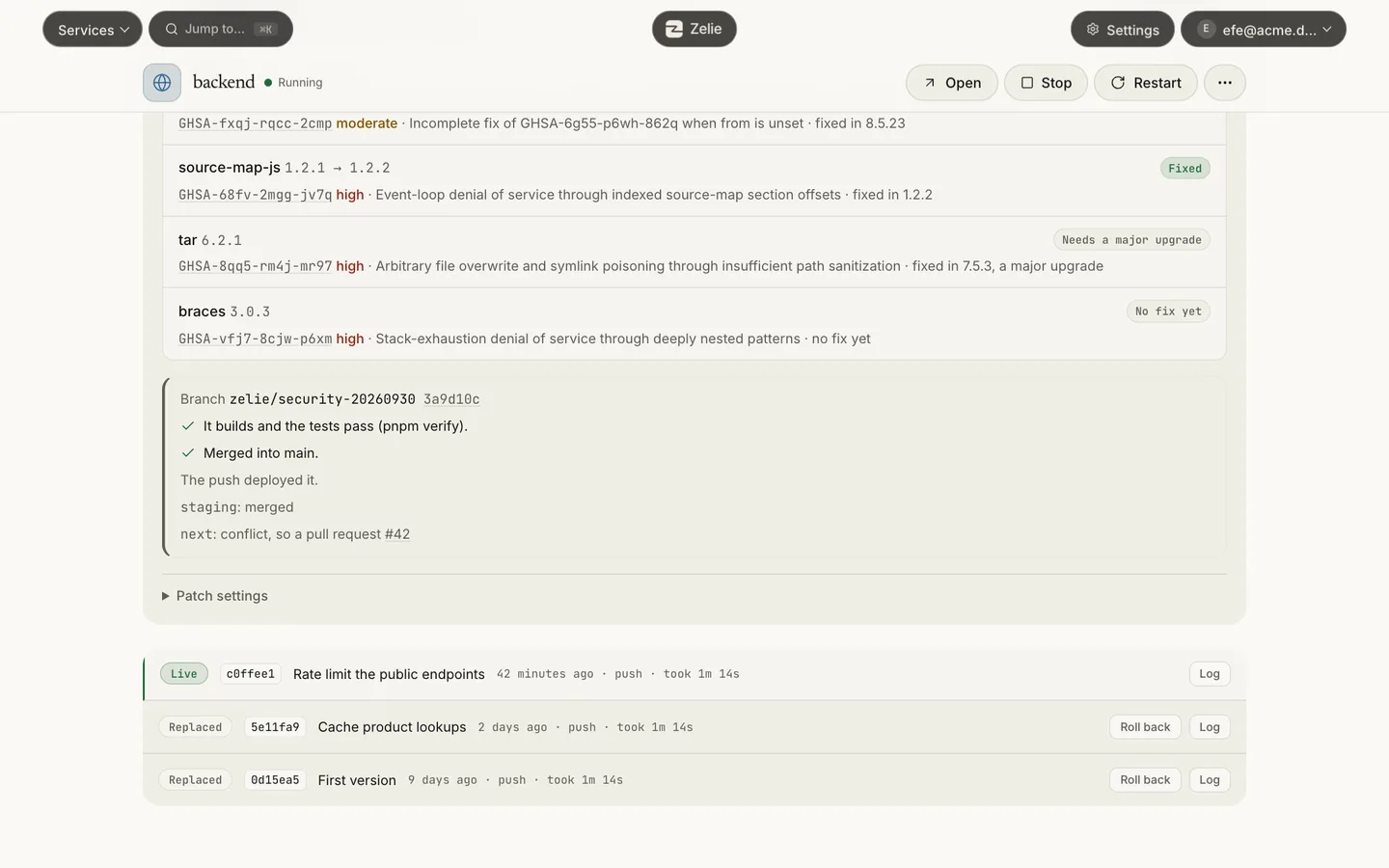
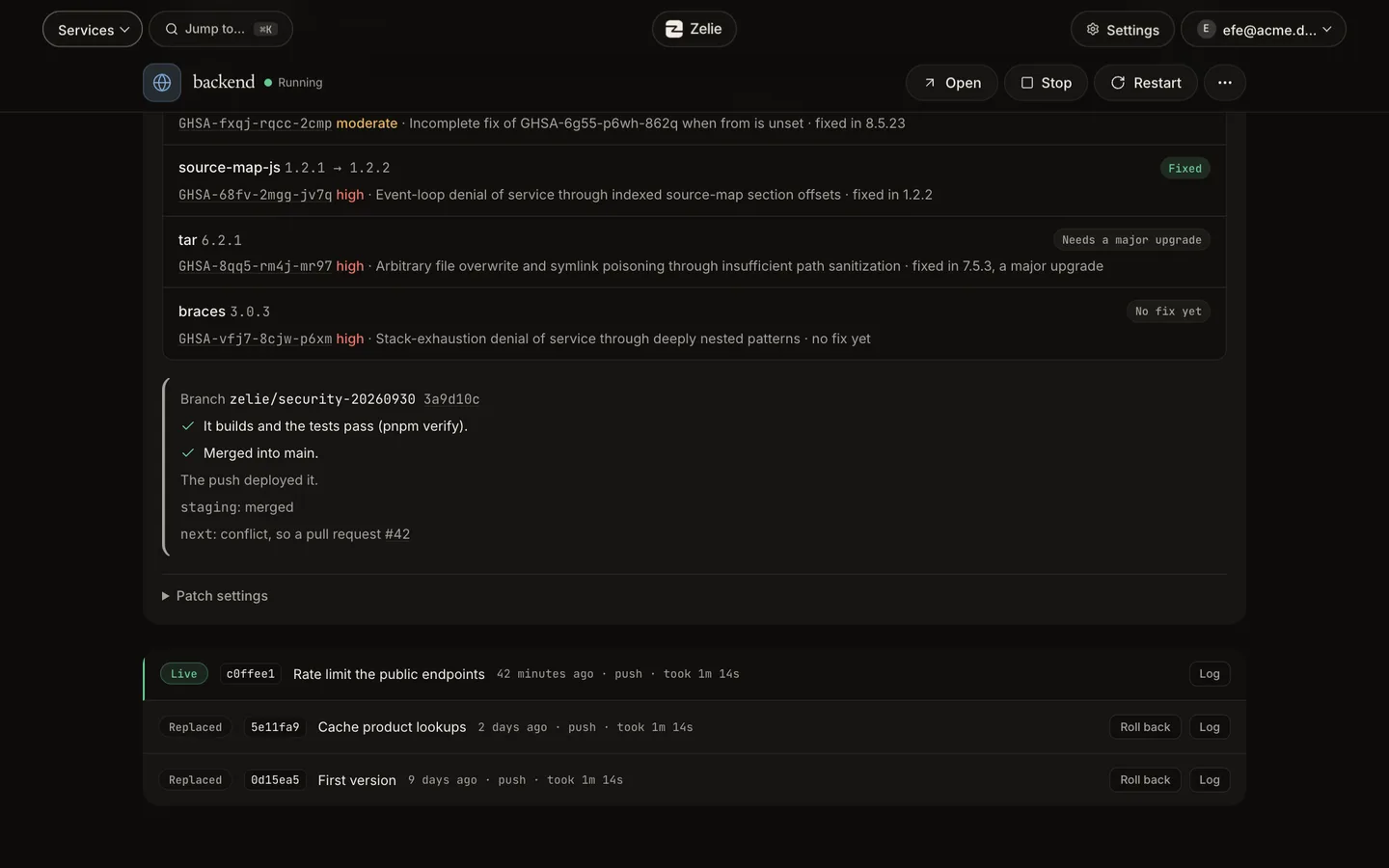
Zelie and Dokploy side by side
| Area | Zelie | Dokploy |
|---|---|---|
| Stack & install | One Go binary of about 50 MB with containerd and SQLite | Docker Swarm, Traefik and PostgreSQL 16 (Install guide) |
| Idle memory | Under 66 MB for Zelie’s own processes, plus about 57 MB for containerd (measured by Caria Core) | About 831 MiB in all on 0.30.8 (dev.to); 464 MiB on a fresh v0.27.1 server (GitHub issue) |
| Official minimum | None stated | 2 GB RAM, 30 GB disk |
| Game servers | 14 games ready, plus Pterodactyl and Pelican eggs by URL | No game server panel |
| Databases | PostgreSQL, MariaDB, Redis with read-only Data browser, CSV export and panel-guided upgrades | Managed through Docker containers; external tools for browsing tables |
| Multi-server & Compose | One machine today (multi-server planned); no Docker Compose files | Multi-server nodes via Docker Swarm; Docker Compose support |
| Security isolation | Root core listens on no network port; sealed app secrets | Docker daemon and Swarm networking |
The full comparison table also places Zelie beside Pterodactyl, Pelican and Coolify.
What Dokploy does well
Dokploy runs Docker Compose projects, ships a library of one-click app templates and manages multiple servers through Docker Swarm with Traefik routing. If a project depends on Docker Compose files or multi-node clusters today, Dokploy fits that workflow better.
What Zelie adds
- Lighter on small VPS machines. Zelie installs one Go binary of about 50 MB and keeps its own idle processes under 66 MB (tested on every release), instead of starting Docker Swarm, Traefik and PostgreSQL 16 as control-plane overhead.
- Game servers beside your apps. 14 games (21 ready game eggs including Minecraft, Rust and Valheim) are built in, and any Pterodactyl or Pelican egg can be imported with live console, SFTP, schedules, player tools and crash reasons.
- Zero-downtime deploys with quick rollback. A push builds with your Dockerfile or Railpack, runs tests and checks health before traffic switches. The last five builds stay ready to roll back in one click.
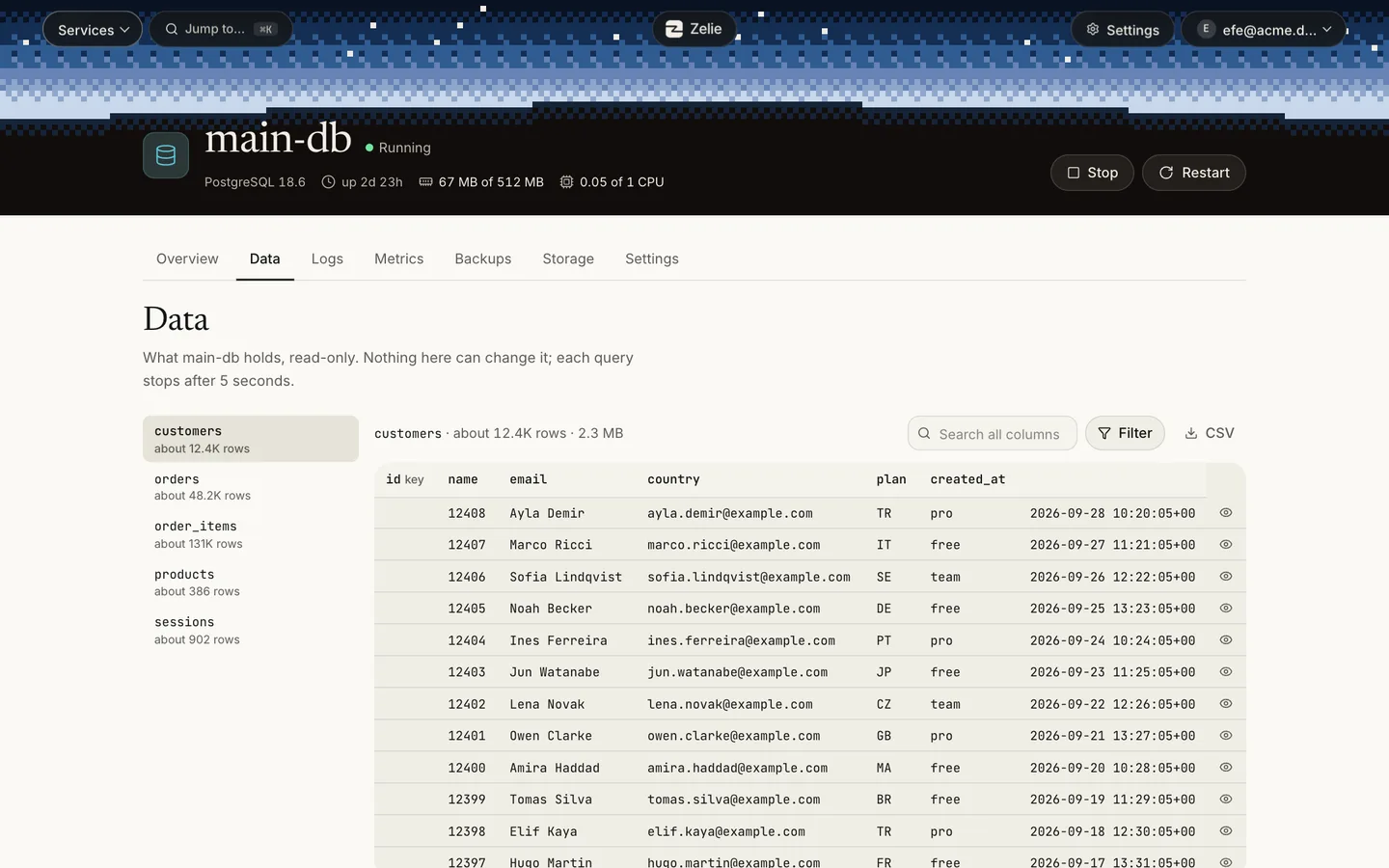
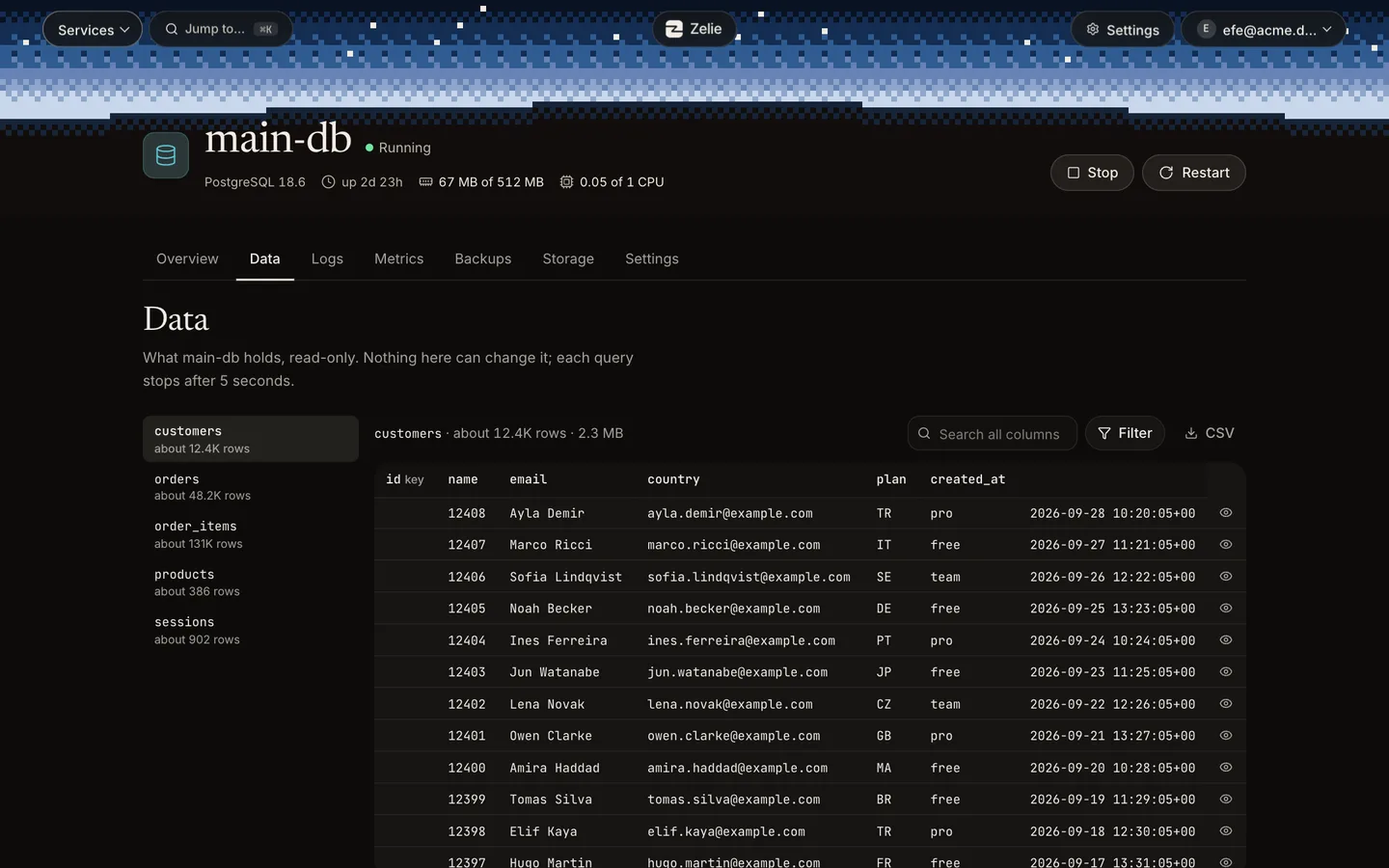
- Built-in database browser and safe upgrades. Inspect PostgreSQL, MariaDB and Redis tables or keys read-only with search and CSV export, and upgrade major versions by dumping into a new volume while keeping the old one.
- Root has no port, secrets stay sealed. The web panel runs unprivileged while the privileged core exposes no network socket, and app secrets are sealed so they cannot be read back.
- Updates itself safely. Panel and app package security updates install in one click or on a schedule, rolling back automatically if a health check fails.
Moving from Dokploy to Zelie
There is no automated importer. An application moves by connecting the same GitHub repository or container image, pasting its environment variables and restoring any database dump.
- 1Install Zelie on Debian or Ubuntu from your account.
- 2Connect GitHub with a repository-scoped GitHub App, or enter the container image reference.
- 3Create the application and paste its environment variables, then create and link PostgreSQL, MariaDB or Redis (
DATABASE_URLis wired automatically) and upload your dump. - 4Verify the new instance is healthy, point DNS or your Cloudflare Tunnel at Zelie and remove the old stack.
Questions
Does Zelie require Docker or Docker Swarm?
No. Zelie uses its own containerd runtime directly and leaves no Docker daemon or Swarm cluster to manage.
Can Zelie run Docker Compose files like Dokploy?
No. Each app runs from one repository, Dockerfile or container image. Multi-service stacks become separate apps linked to shared databases.
Which databases are included?
PostgreSQL 18 and 17, MariaDB 11.8 and 10.11, and Redis 8. None exposes a port to the internet by default, and tables can be browsed read-only in the panel.
Can Zelie manage several VPS nodes?
Not yet. Zelie manages the Linux machine it runs on; multi-node management is planned.
Install Zelie
Zelie is in early development, and Free is open to everyone: make an account and install it on a server of your own. Pro, for your own server too, is on sale now at €4.49 a month or €44.90 a year. Business, for those who sell hosting, follows.