What Zelie does
Apps, the databases they use and game servers on one Linux server, and what keeps them running. Each part in short; the docs have every detail.
Apps
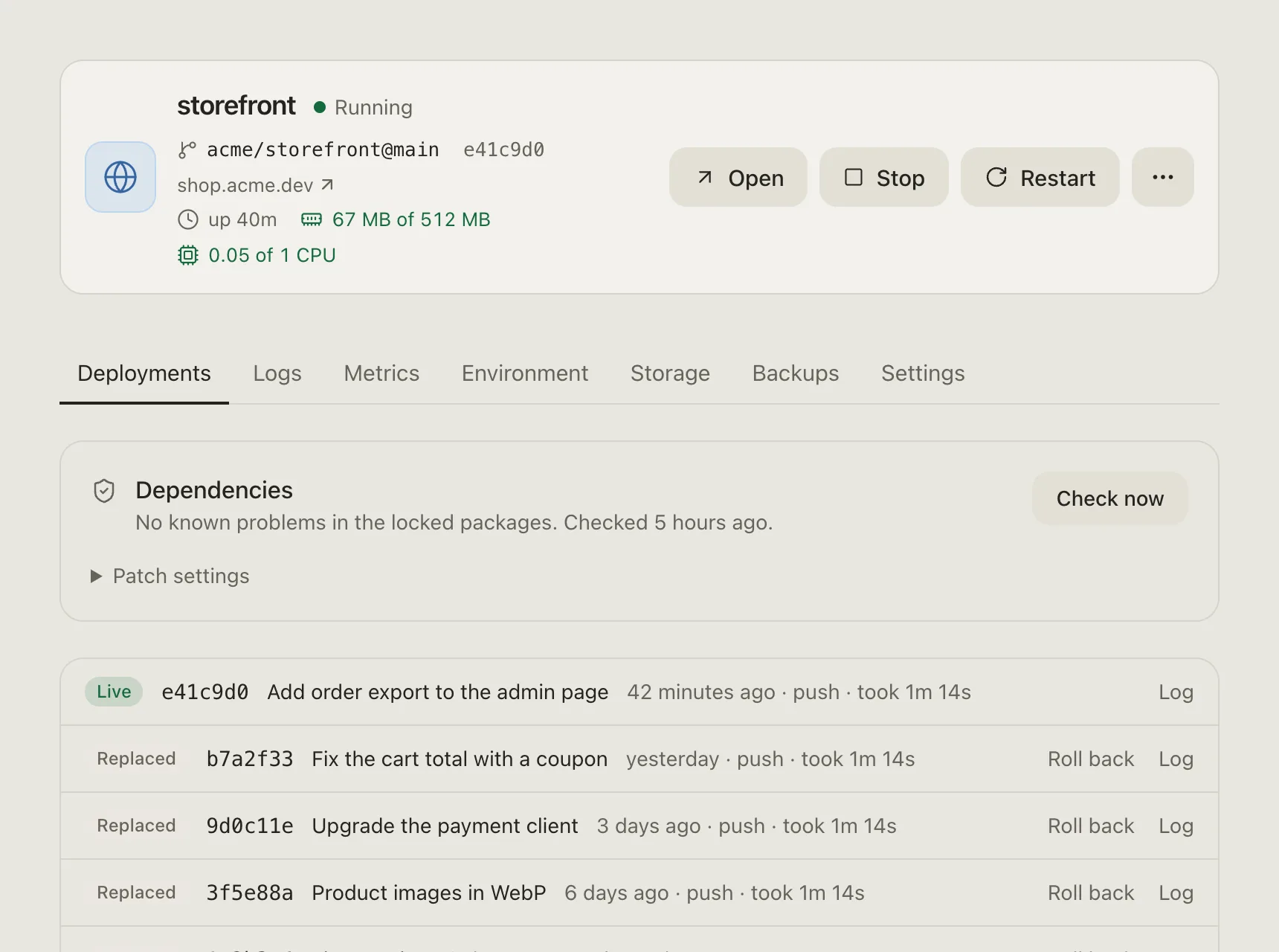
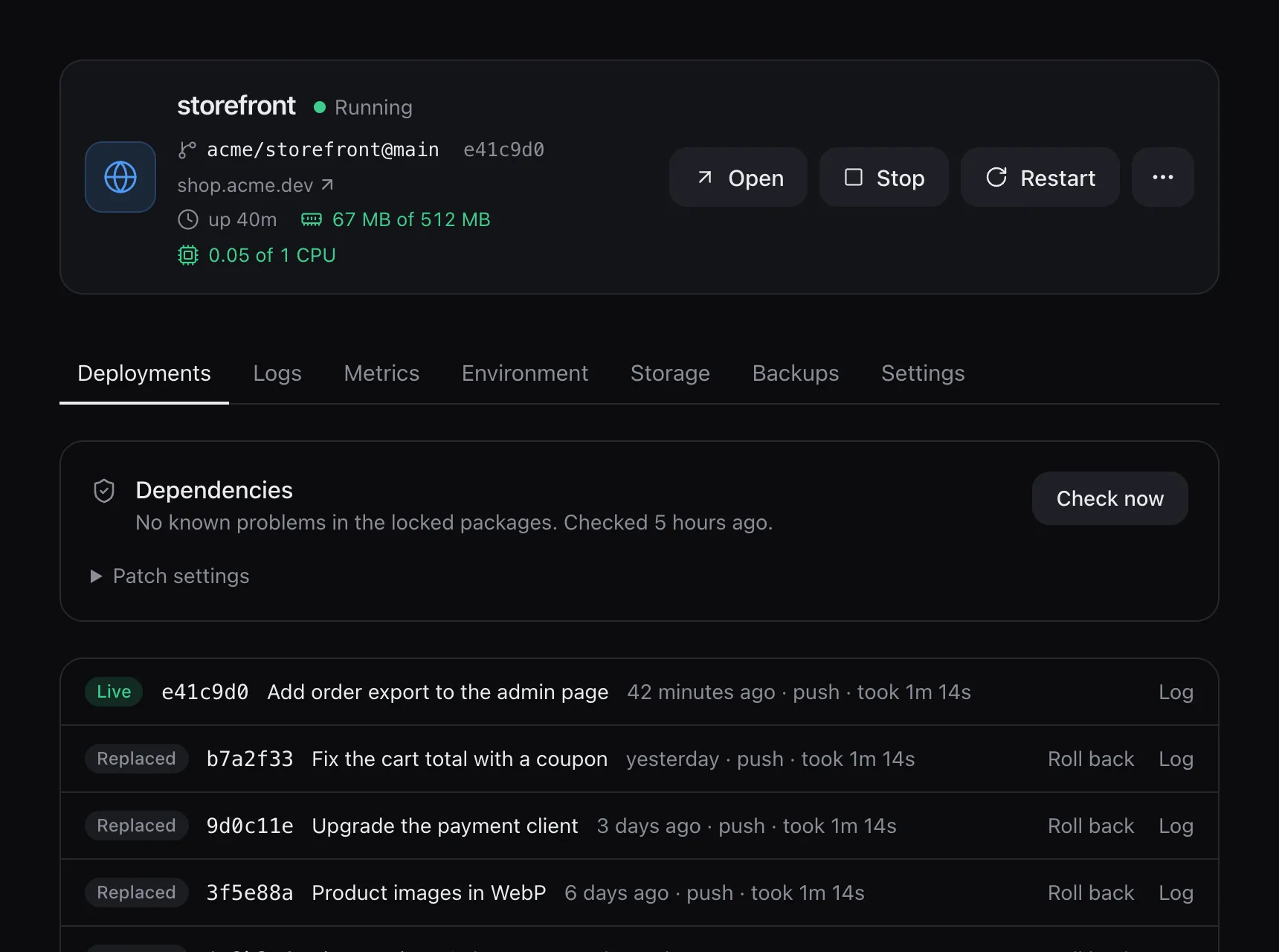
An app comes from GitHub, a container image, or your own files for Node.js, Python, Bun, Deno or Java.
- Connecting GitHub creates a GitHub App in your own account, with access only to the repositories you pick
- Variables, plain or secret; builds get them without baking them into the image
- Volumes that outlive deployments, each with a size limit you can raise
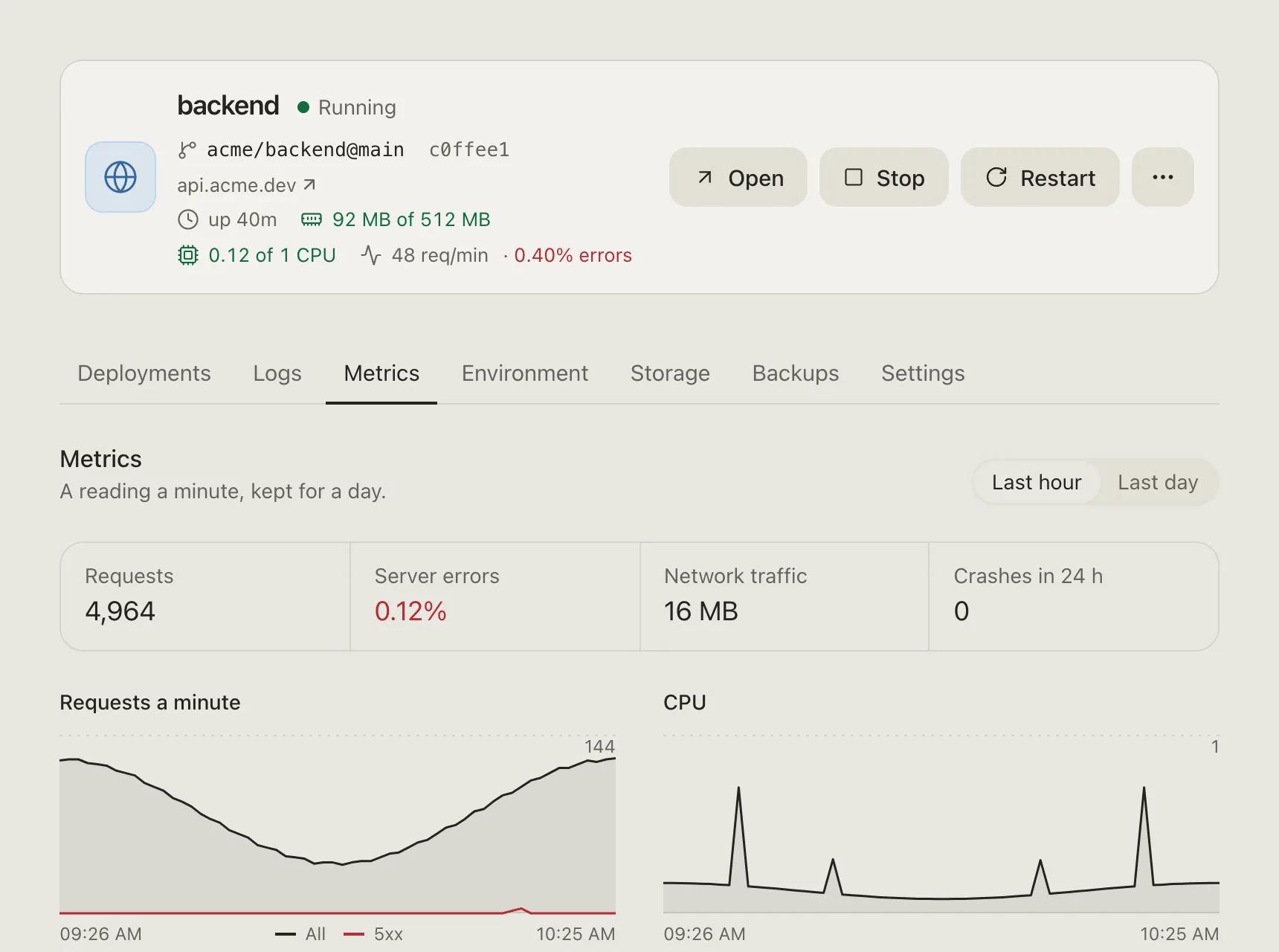
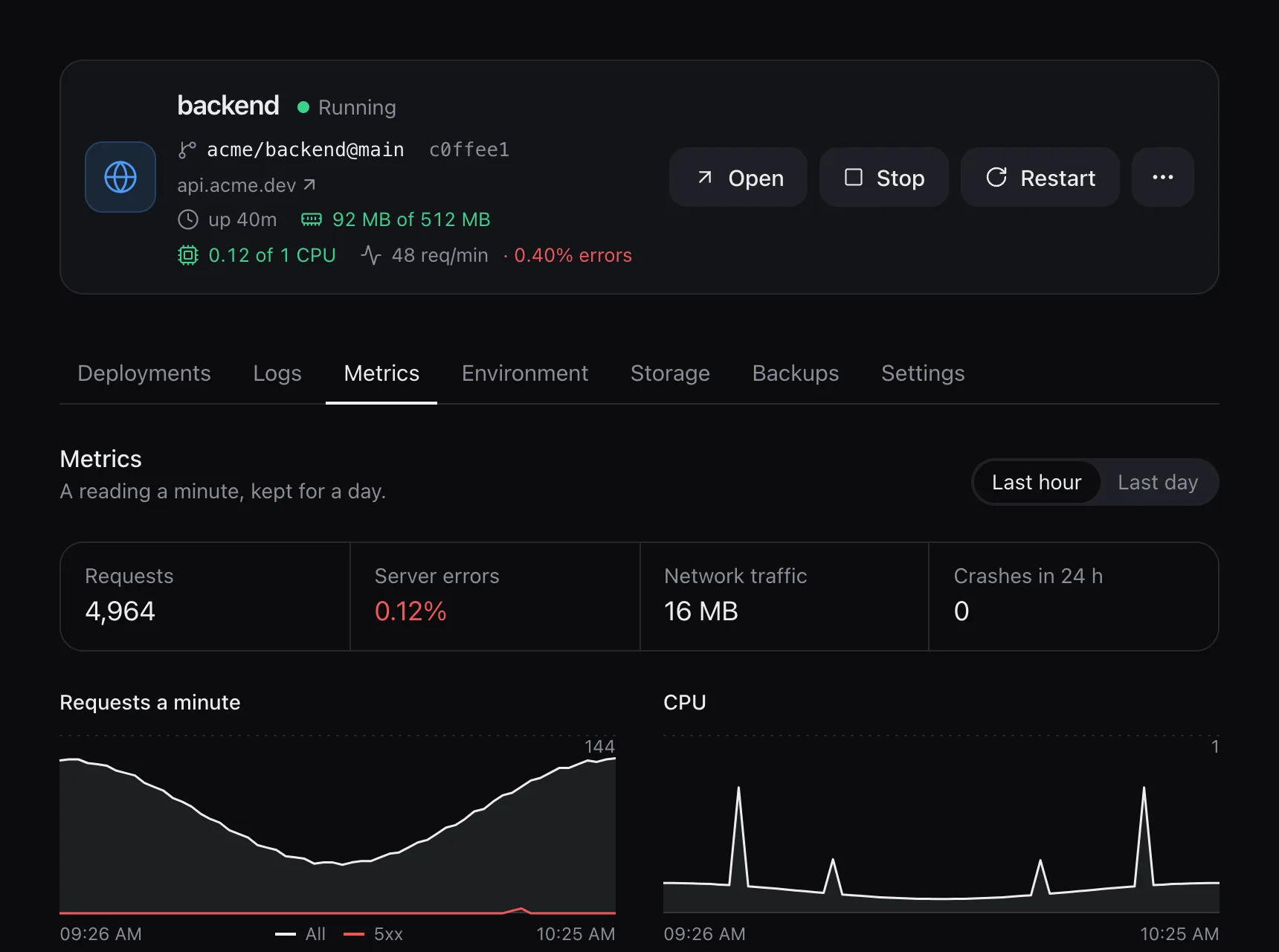
- Memory and CPU limits, live logs, and metrics kept for a day
Builds and deploys
A repository with a Dockerfile is built with it; without one, Railpack works out the build. A Node project’s tests run on each new build, with no network, and a failing test keeps the old version.
- With a domain, the new version starts beside the old one and takes traffic after its health check
- Without a domain, or with volumes, the old one stops first so two copies never run at once
- The last five versions keep their image, so a rollback takes a second or two
- After five crashes in ten minutes an app stays down, and the panel says why
Game servers
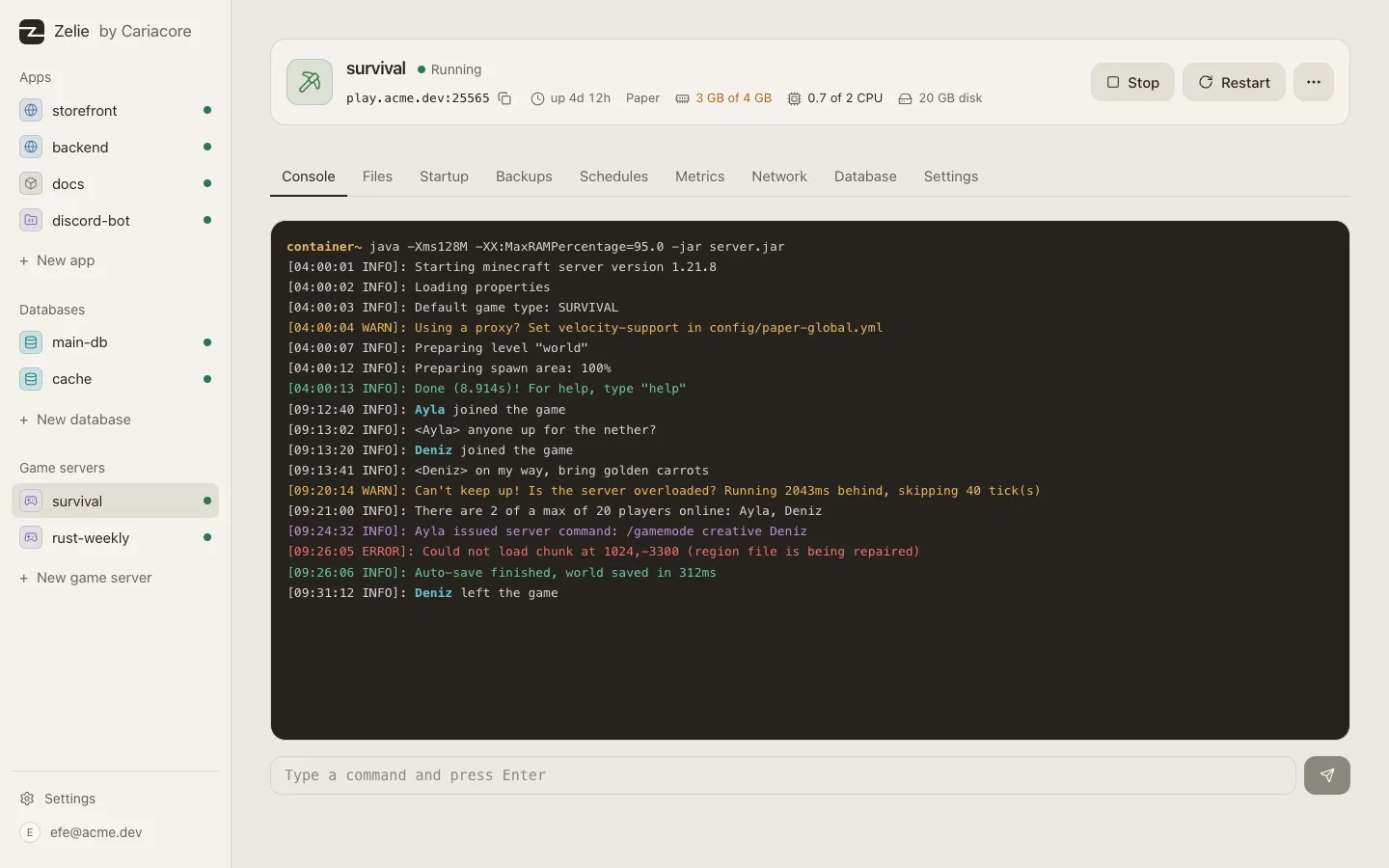
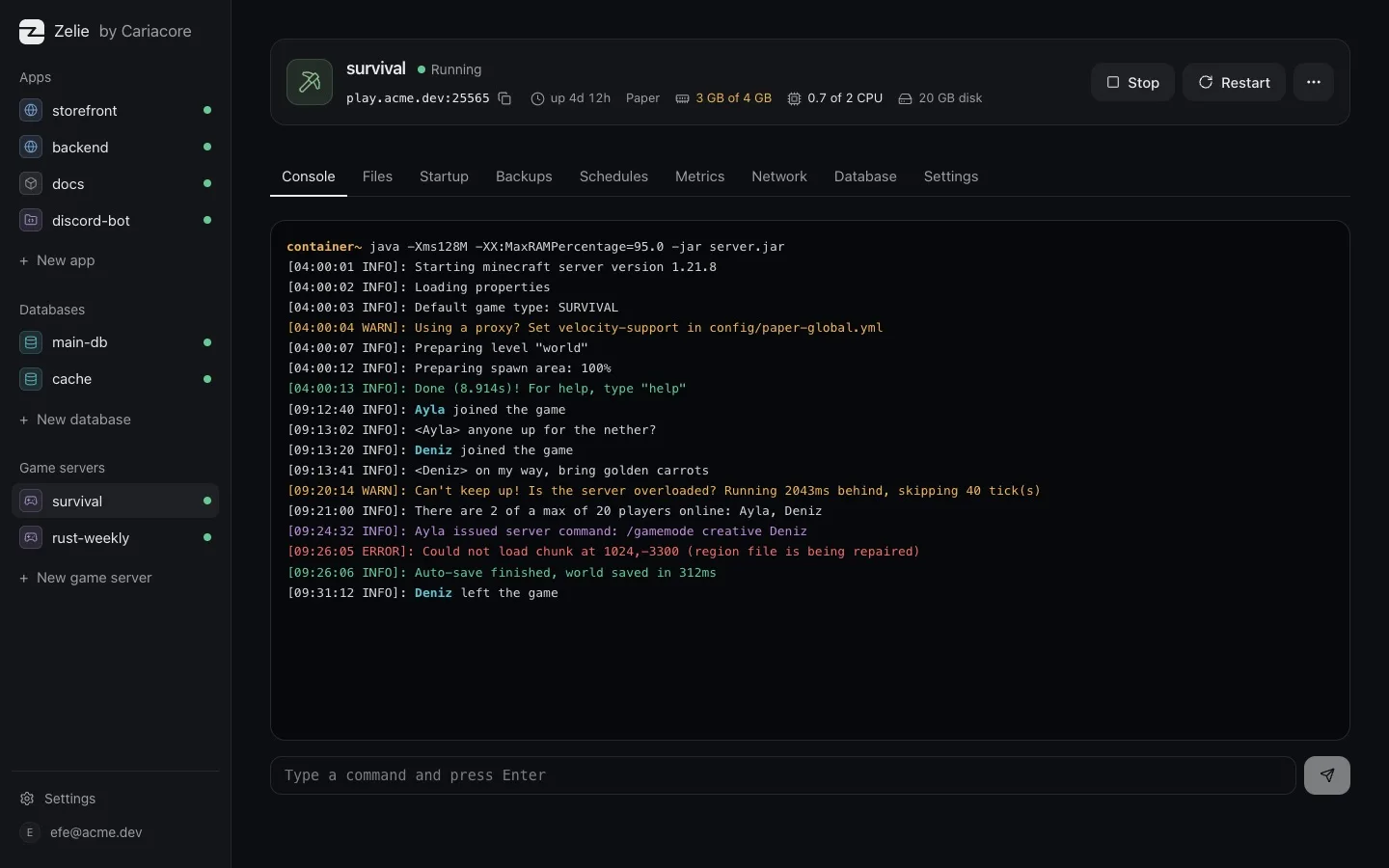
Game servers run from Pterodactyl and Pelican eggs: Minecraft, Rust, Valheim, Palworld, Counter-Strike 2 and more from the list, or any other egg by its link.
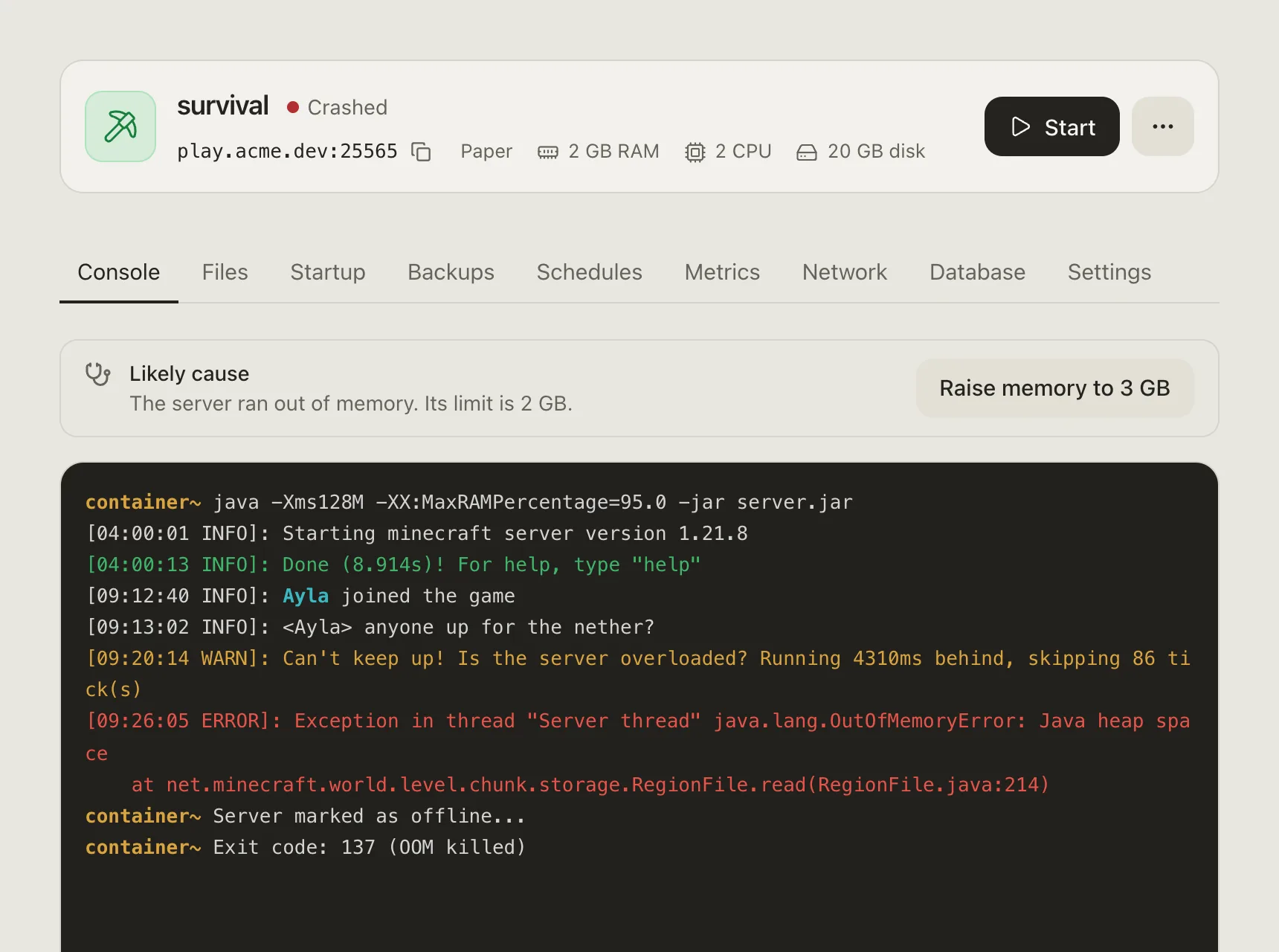
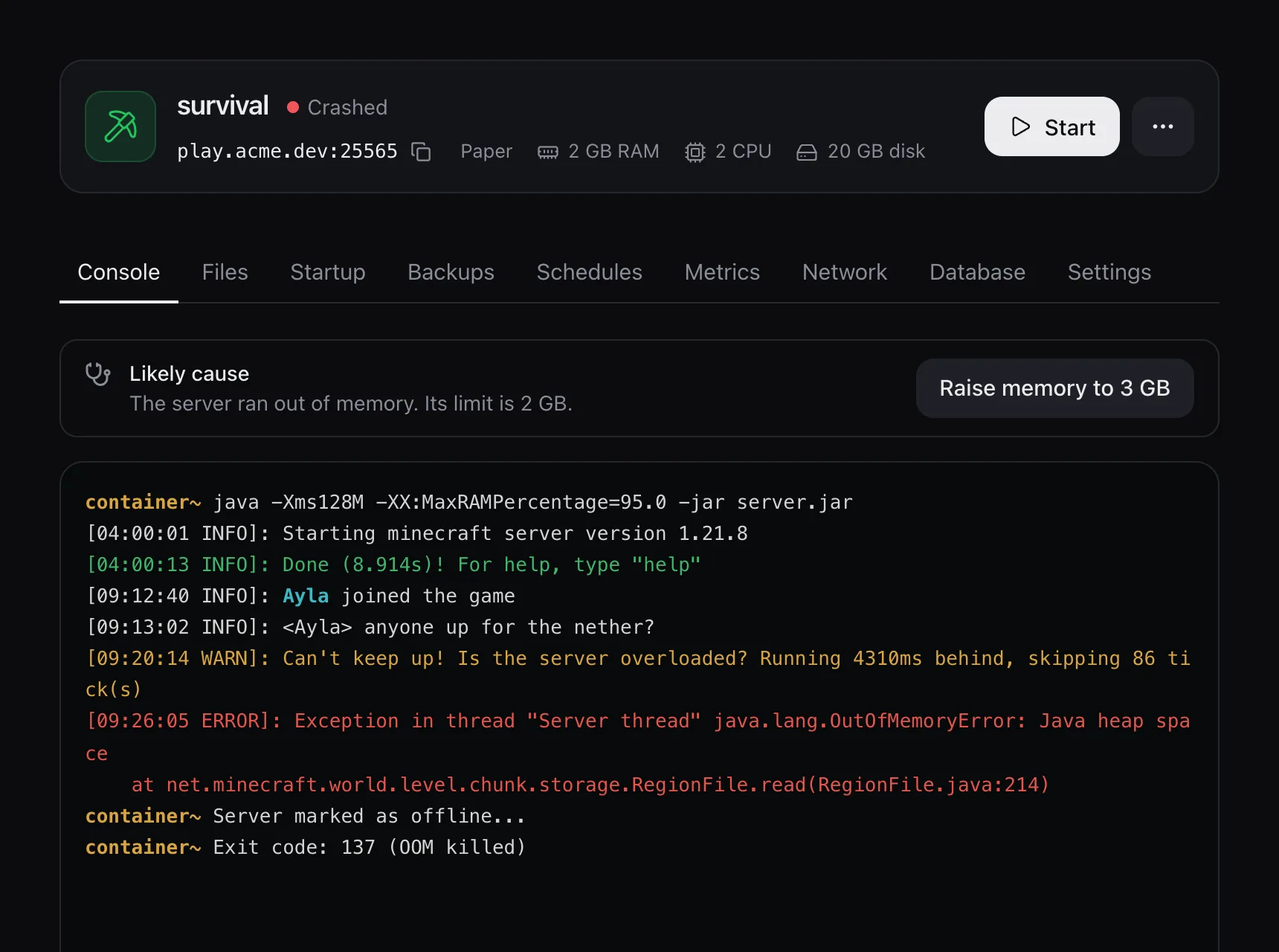
- A live console with colours, the last 500 lines, a command line with history, filters and quick commands
- Files in the browser with an editor, and the same files over SFTP
- Ports from a pool you set up once; players connect straight to the server
- No public port for a server behind a proxy; servers in one network group reach each other by name
- Schedules, backups, clones, and Steam updates when nobody is playing
- When a server crashes, Zelie reads its last lines and says why
Players
For Rust and Minecraft, and as a plain list for some other Steam games.
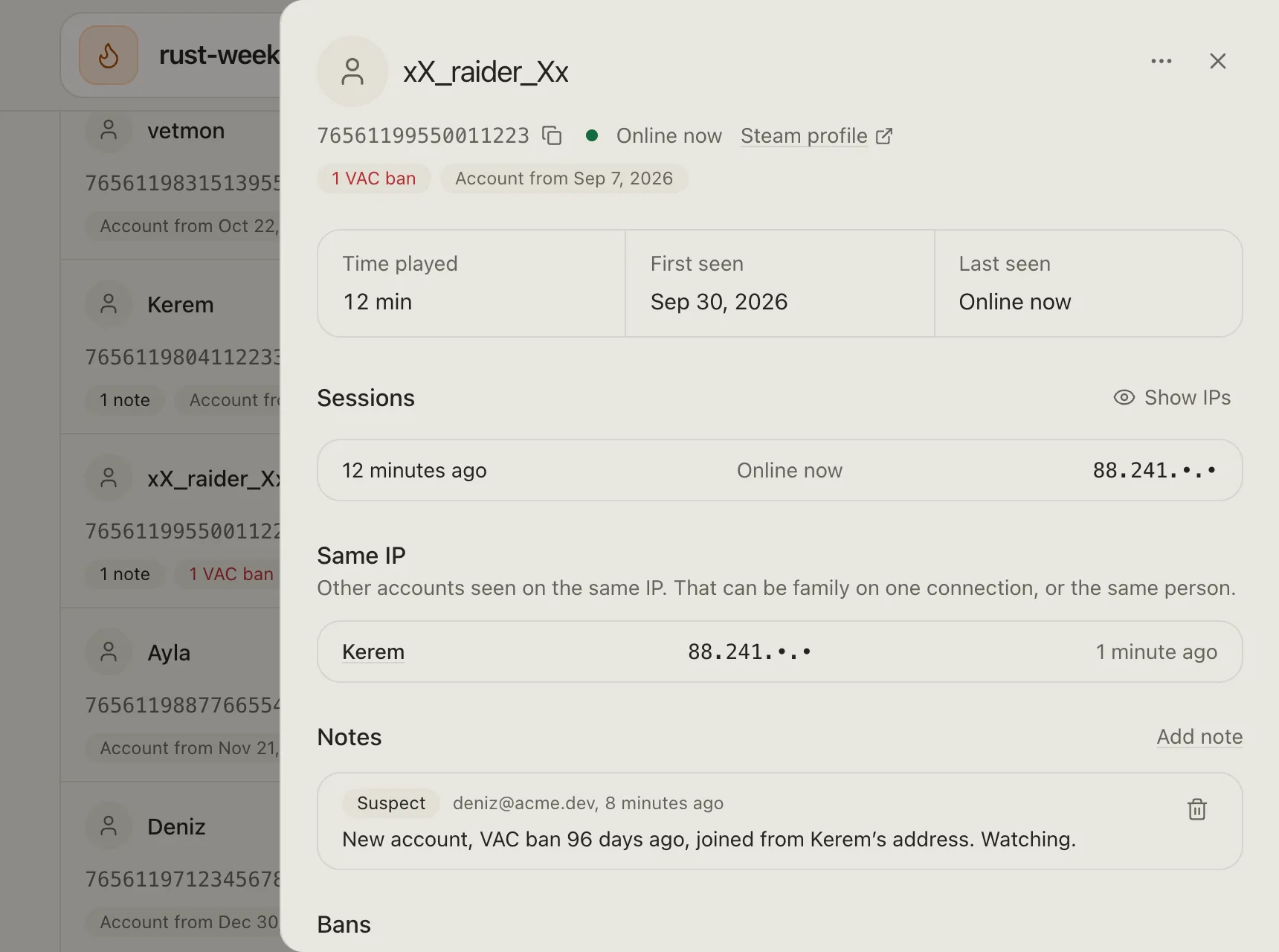
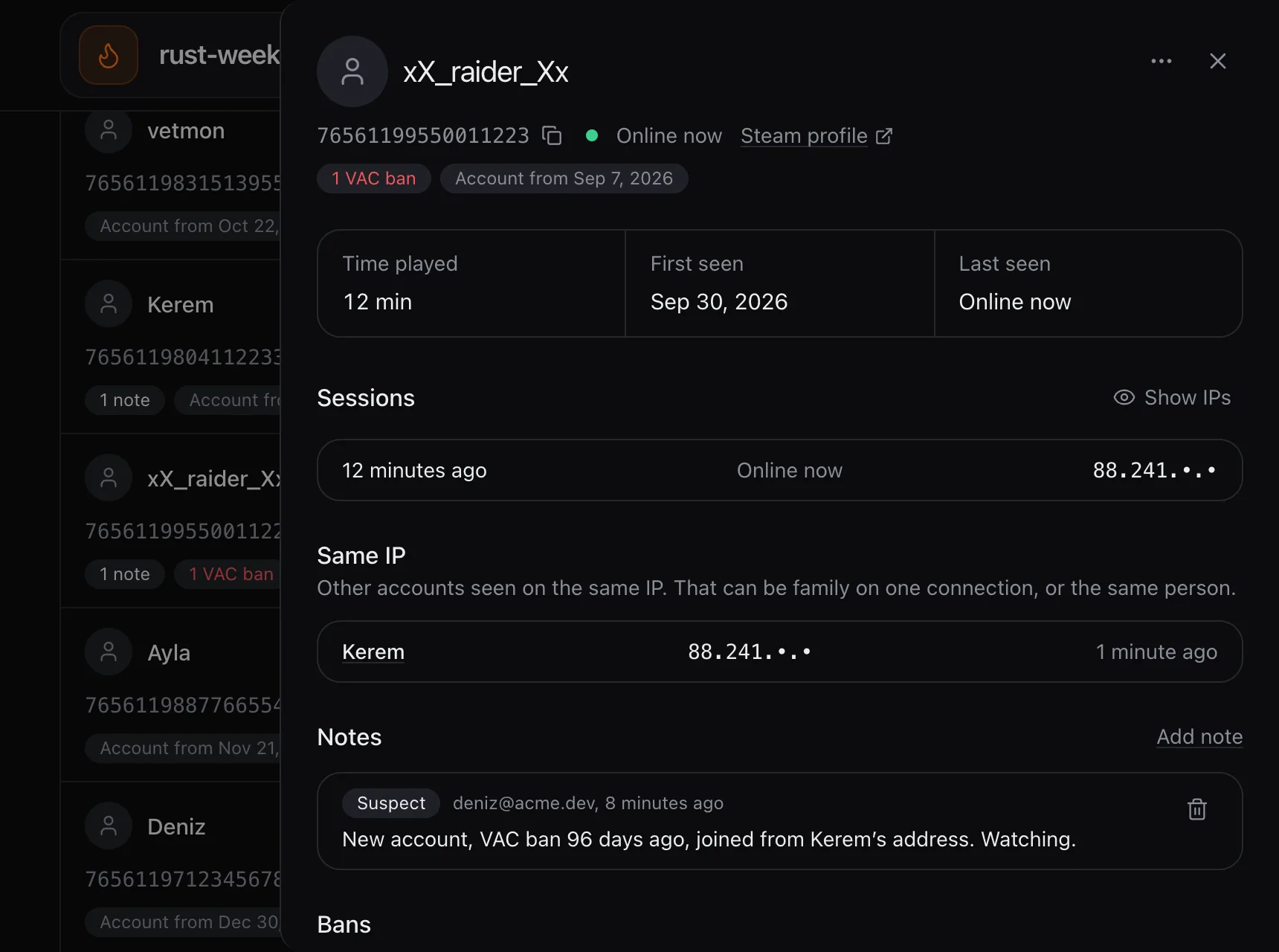
- Who is online, with ping and time online
- Joins and leaves kept for 30 days, chat for 7, searchable
- Kick and ban with a reason; a ban can end on its own
- Notes on players and a log of what admins did
- Whitelist and operators for Minecraft, owners and moderators for Rust, and bans by name, SteamID or IP, whether the server is running or stopped
- For Rust: Oxide and Carbon groups, permissions and plugins, and RCON tools such as messages, mutes and teleports
- Slots for Rust that follow how many are online and waiting, if you turn it on
Private networks
Every app and game server has a network of its own. An administrator can put a few of them in a network group: members reach each other by name on every port, TCP and UDP, and everything else stays closed.
- Joining or leaving applies at once; nothing restarts
- A game server can be made with no public port, so only its group can reach it
- Access to a database on the host stays per app; a group does not open it to the others
- A Velocity proxy sets up the Paper and Purpur servers behind it at each start: modern forwarding, the server list and one shared secret
How to set them up: Network groups and Minecraft network.
Databases
PostgreSQL 18 and 17, MariaDB 11.8 and 10.11 and Redis 8, each in its own container with its own volume. None gets a public port.
- Link one to an app or a game server and it gets
DATABASE_URLorREDIS_URL - Patch releases are backed up, then switched; a major version moves to a new volume, and the old one stays if anything fails
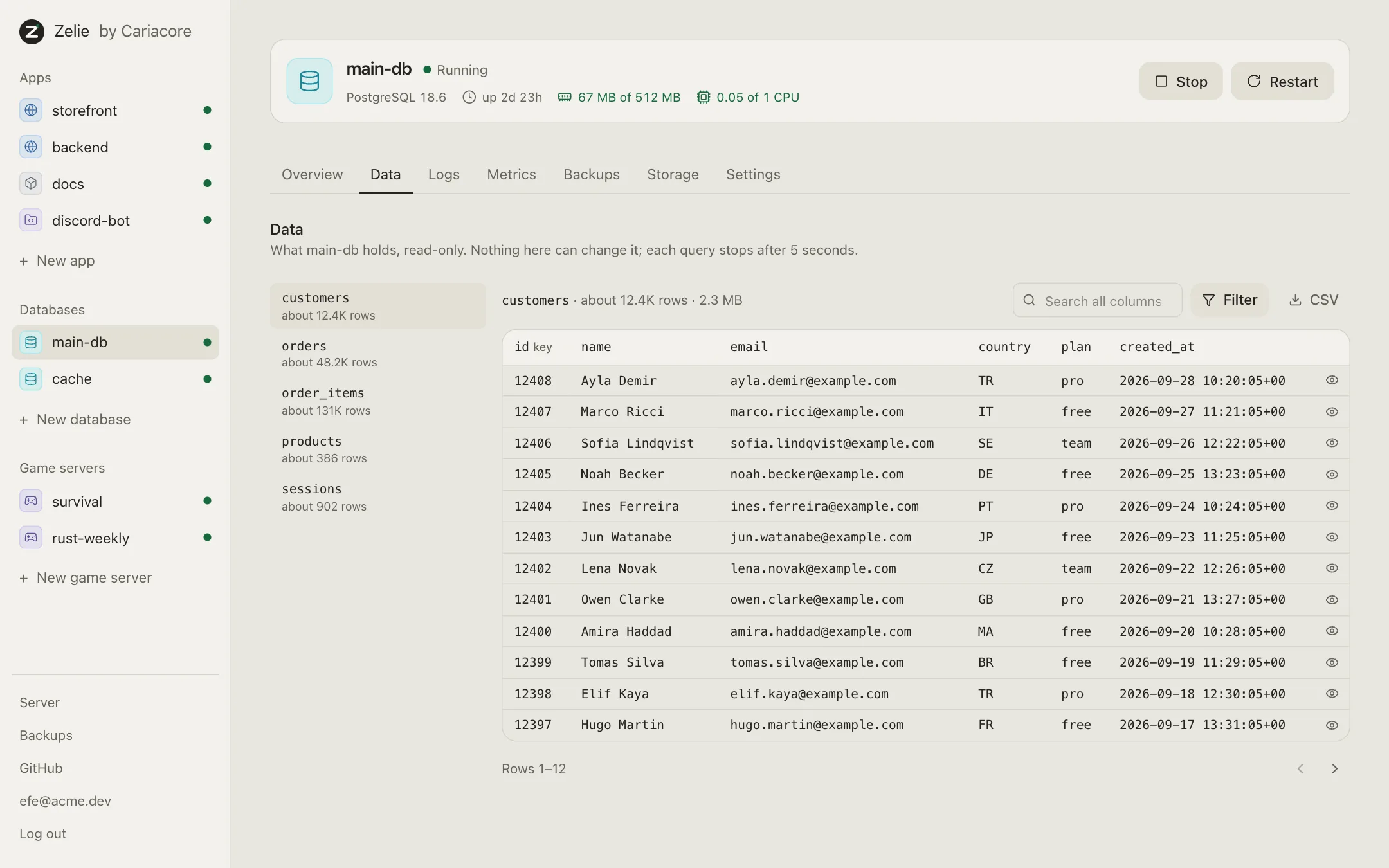
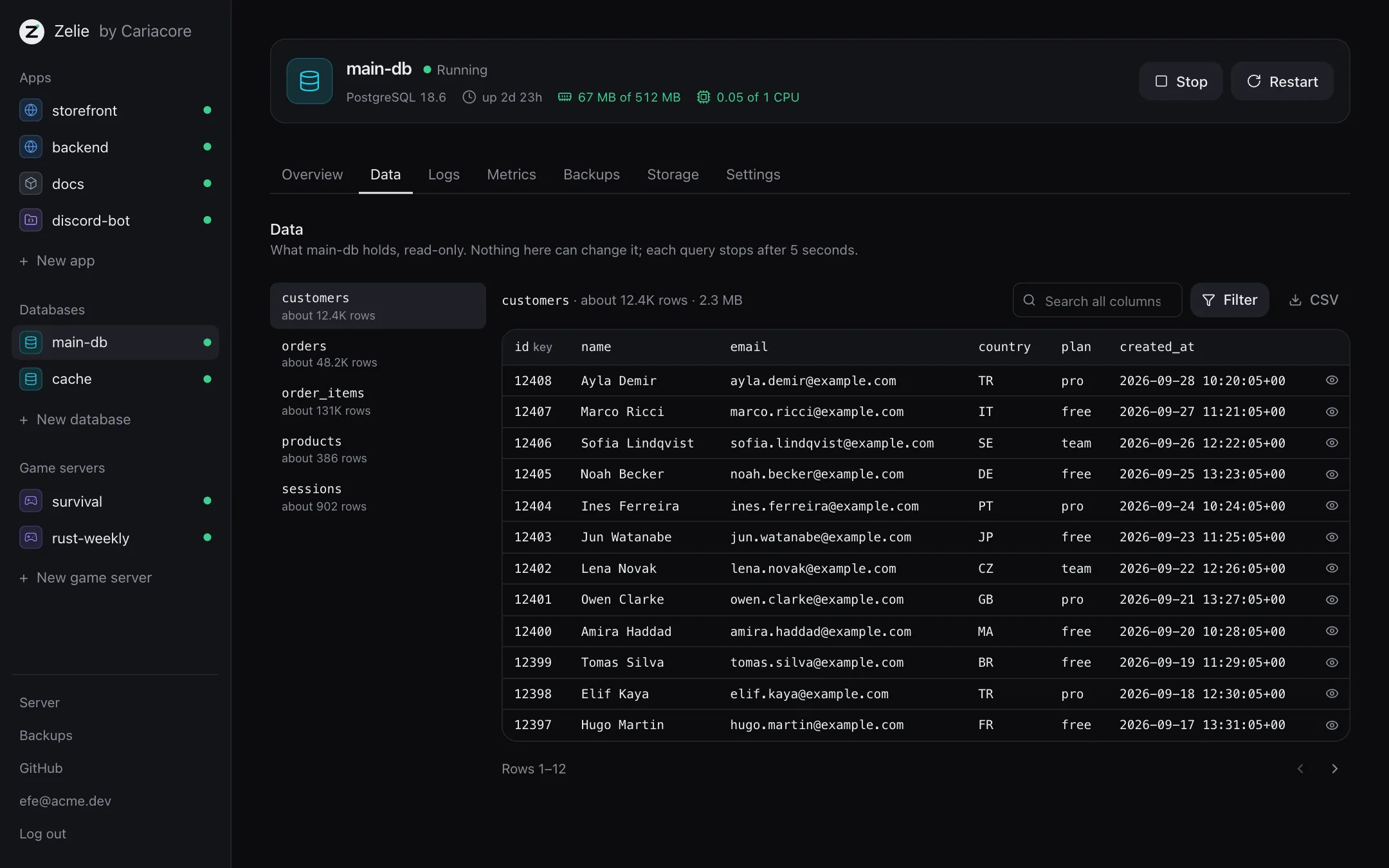
- A read-only Data tab with tables, filters, search and CSV export
- Desktop tools such as TablePlus connect through an SSH tunnel
Backups
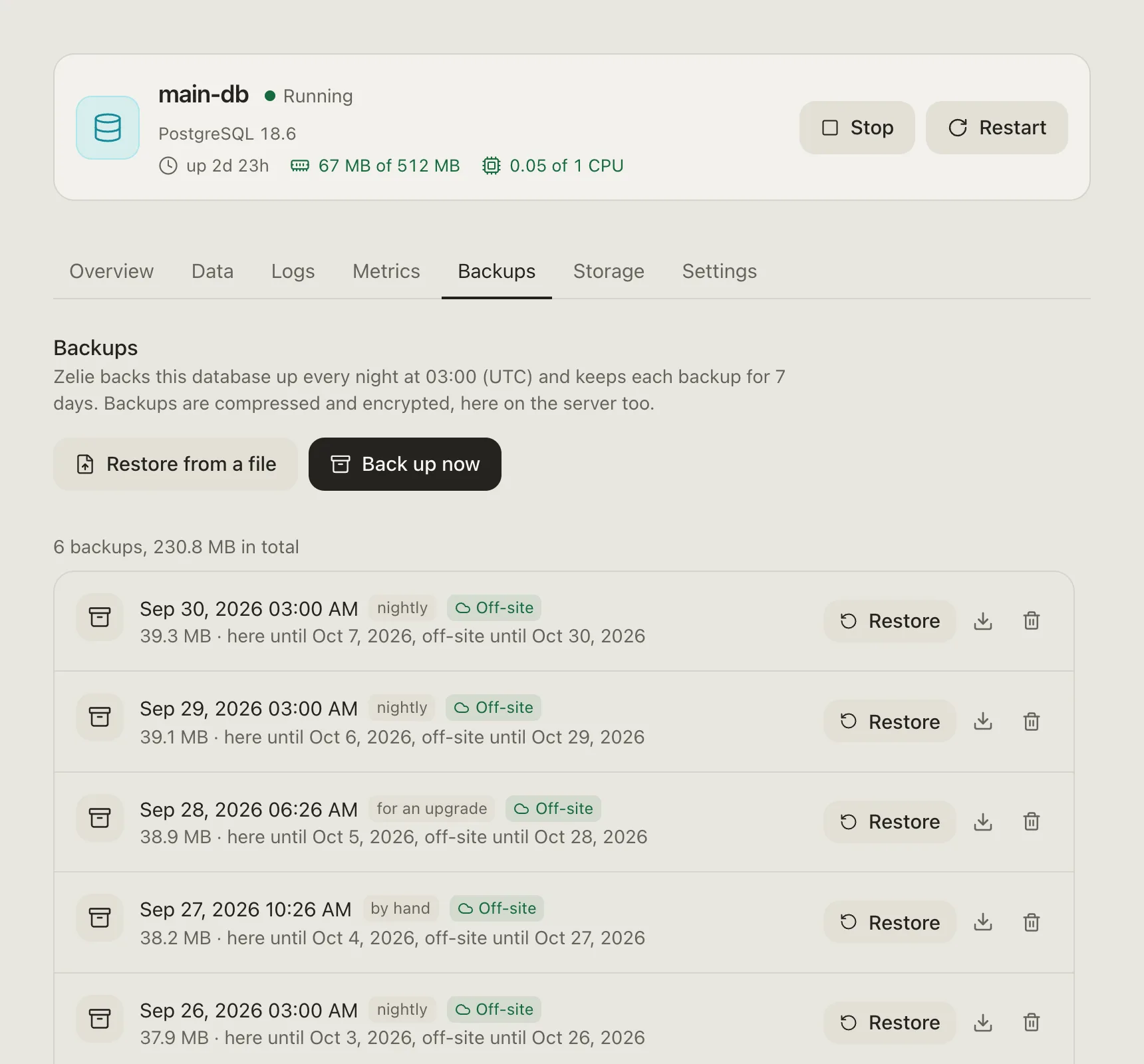
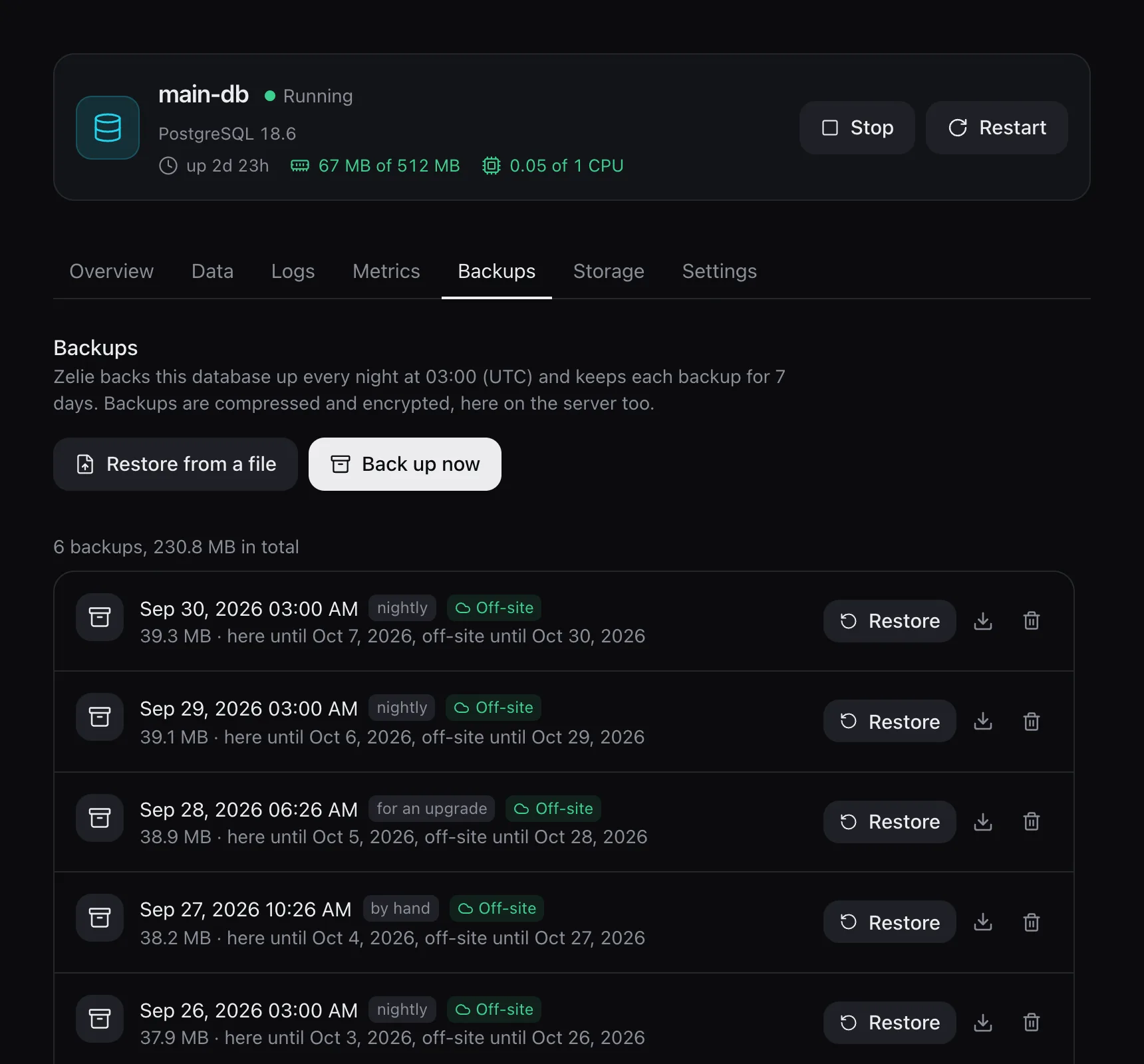
Databases are backed up every night at 3:00 and kept for seven days unless you change it. Apps and game servers can be backed up on a schedule too.
- Compressed and encrypted on the server, with a recovery file that lets another server open them
- Copies in any S3-compatible storage, kept for 30 days by default
- A restore backs up what is there first, and puts it back if the restore fails
Domains and HTTPS
Give an app a domain and the proxy routes it. With a domain install, certificates come from Let’s Encrypt; behind a Cloudflare Tunnel, Cloudflare handles HTTPS. The tunnel has run on a real server; Let’s Encrypt so far only against a stand-in.
Updates
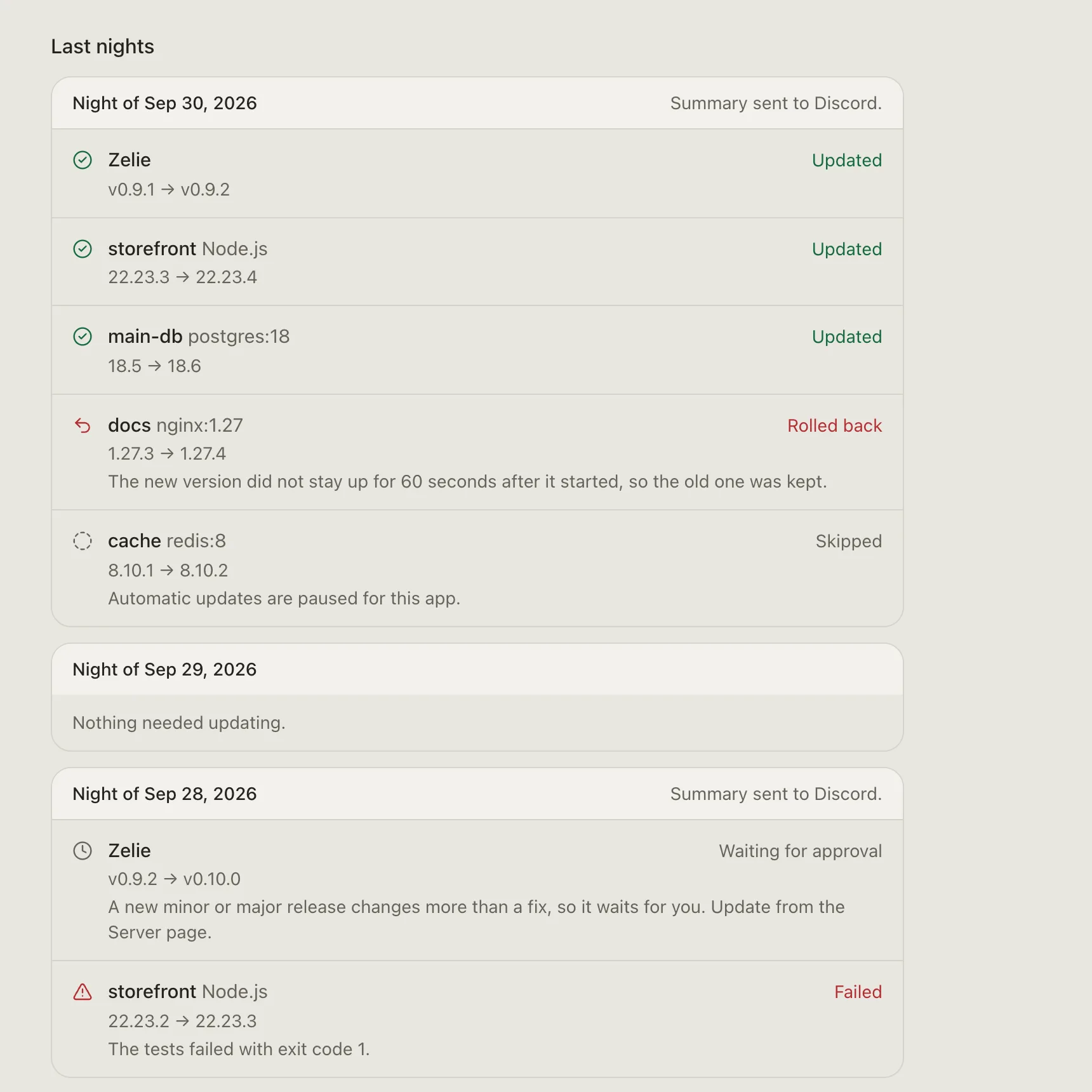
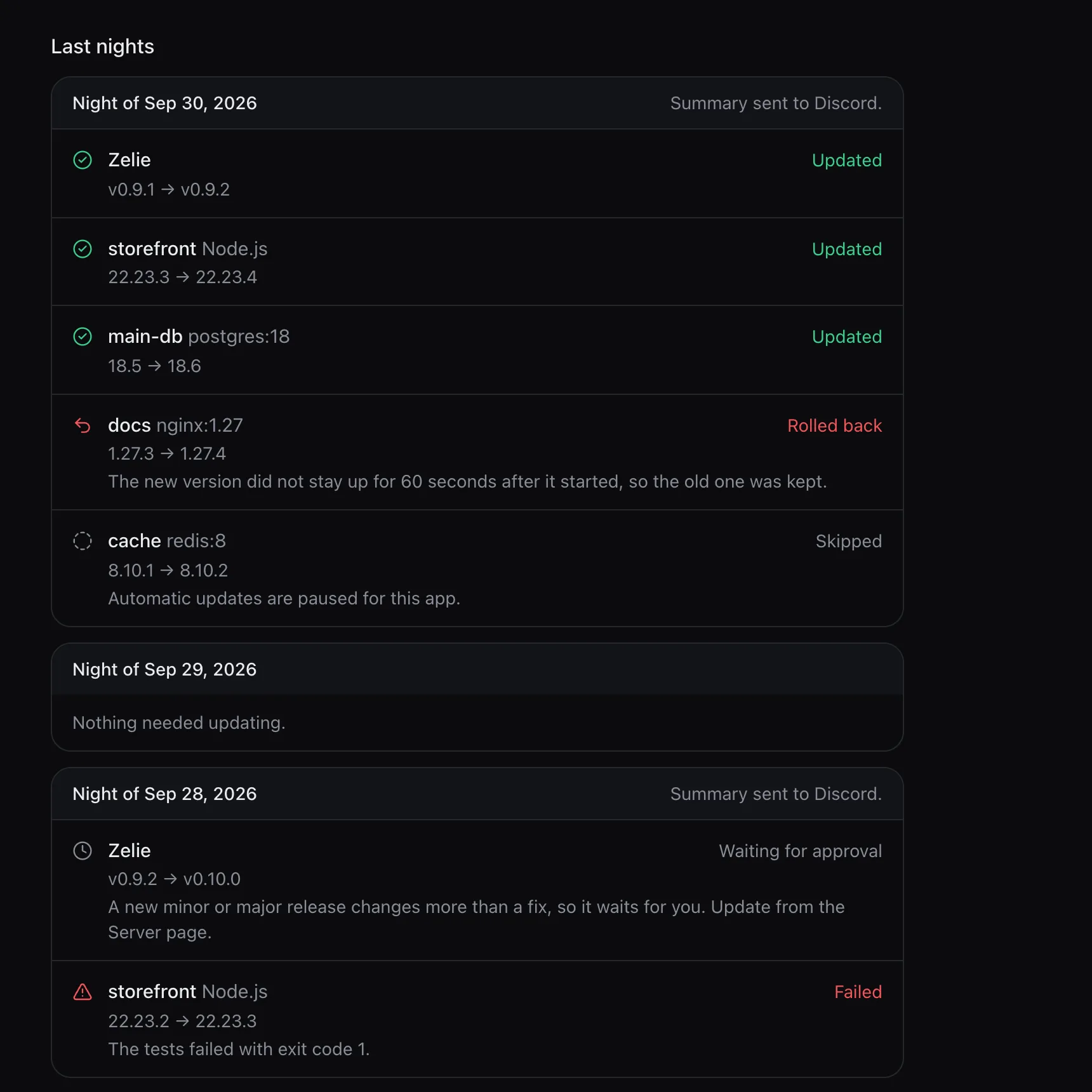
Zelie updates itself with one click, and apps, databases and game servers keep running while it does. If you like, one round each night at 04:30 does the rest, and waits while a backup, build or deploy is running.
- Zelie’s own patch release
- Node security releases, used right away and rebuilt from the same commit
- New builds of image and database tags that carry a version, backed up first
- Fixes for vulnerable packages in npm, pnpm and Yarn 1 projects, tested on a branch and merged, or opened as a pull request
- Major versions wait for approval; an automatic update must stay up for 60 seconds or the old one comes back
Closed by default
- The proxy, the panel and the SFTP server run as their own unprivileged users
- The core runs as root but has no network port: it answers only on a Unix socket
- Containers use user namespaces, so root inside one is an unprivileged user on the host
- Databases never get a public port
- Secrets are sealed as they are saved, and the panel cannot read them back
What a server sends to Caria Core, and what it never sends: Licence and privacy.
Sub-users
Invite someone with a link and choose what they may do on each service. They sign in with their own password and a second step, which every account needs.
- Permissions one by one, such as the console, power, files, backups and deploys, or from the viewer, moderator and administrator templates
- Nobody can hand out more than they hold, and a service someone was not given does not show up for them
- The licence, updates, ports and keys stay with the owners
- Every change on a service is in the activity log with who made it
- Turning an account off signs it out everywhere, its console and SFTP keys included
Interface
Five themes, an accent colour, density and text size, saved to the account so every device looks the same. It works on a phone. English is the only language so far. Pinned services stay at the top of the home page and the side menu, and Ctrl+K (Cmd+K on a Mac) jumps to any service, tab or setting.
Not yet
- Several servers managed from one panel
Install Zelie
Zelie is in early development, and Free is open to everyone: make an account and install it on a server of your own. Pro and Business follow: Pro for your own server too, Business for those who sell hosting.