Host Discord bots on your own Linux server
Zelie runs Discord bots on your own Debian or Ubuntu server alongside your websites, databases and game servers. Push to GitHub or upload your bot’s files over SFTP, keep DISCORD_TOKEN sealed, link PostgreSQL or Redis in a click, and let Zelie handle restarts, backups and nightly security updates. It installs from your account as one Go binary, with no Docker to set up.
Deploy from GitHub, or drop in plain files
- Push to GitHub
- Connect a private or public repository through a GitHub App in your own account. Zelie builds with your Dockerfile, or uses Railpack to detect Node.js, Python, Go and more without one, and runs your test script before deploying.
- Plain files or SFTP
- For a small bot with no build pipeline, pick Node.js, Python, Bun, Deno or Java and upload the folder in the browser or over SFTP on port 2222. The files are the app.
- A container image
- Run a pre-built public image and let Zelie check the registry once a day, offering the new image whenever its tag moves.
One bot connected at a time, with instant rollback
Web apps with a domain start the new container beside the old one for zero-downtime traffic switching. Doing that with a Discord bot connects two copies to Discord’s gateway at once and makes every command answer twice.
Because a Discord bot runs without a domain, Zelie stops the old container first and then starts the new one. If the new version fails to start, Zelie brings the previous container back automatically. The images of the last five versions stay on the server, so rolling back a bad release takes a click.
Sealed tokens, linked databases and crash protection
- Sealed bot tokens
- Add
DISCORD_TOKENand API keys individually or paste a.envfile. Secrets are sealed as they are saved so the panel cannot read them back, and BuildKit secrets never stay in image layers. - PostgreSQL, MariaDB and Redis
- Create a database in one click and link it to the bot to inject
DATABASE_URLorREDIS_URL. Databases listen on no public port and are backed up every night. - Smart crash restarts
- If the bot exits unexpectedly, Zelie restarts it with increasing backoff. After five crashes in ten minutes it leaves the bot stopped and shows the last log lines instead of hammering Discord’s gateway.
- Nightly security fixes
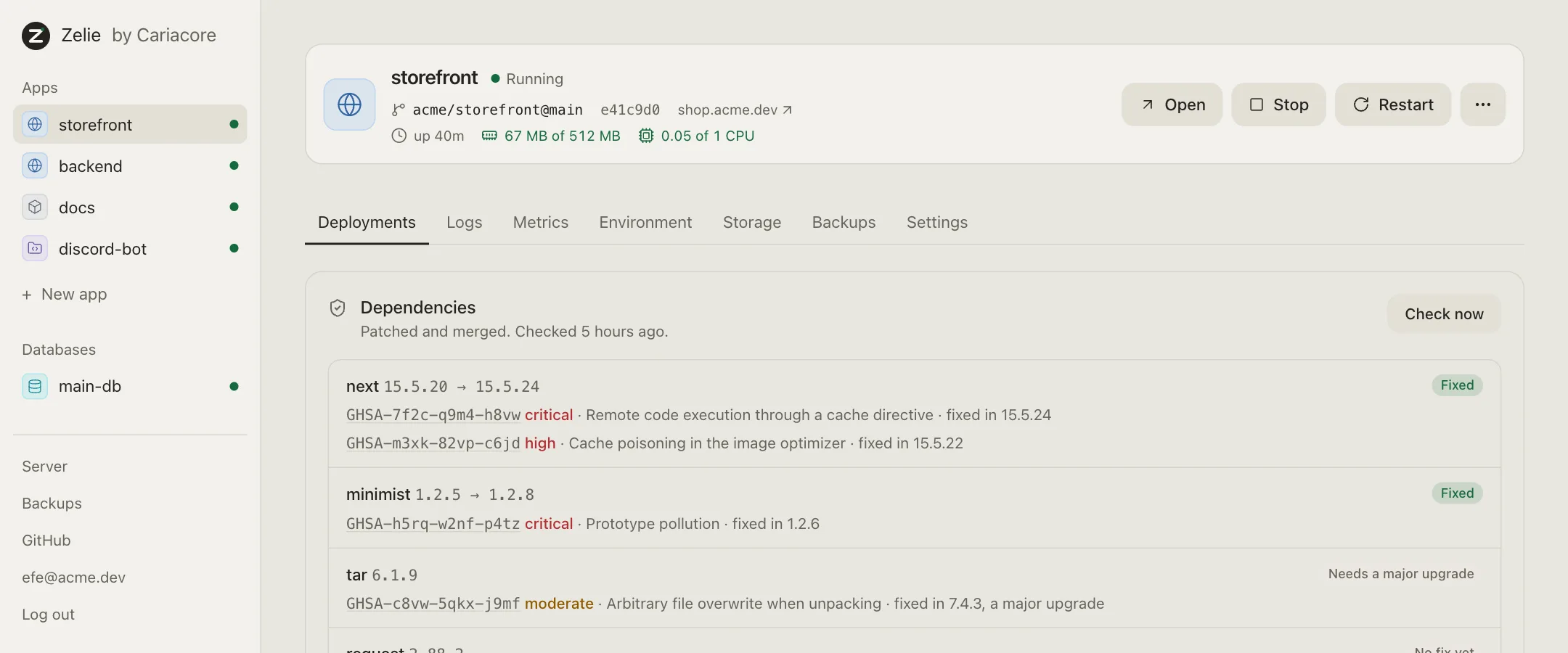
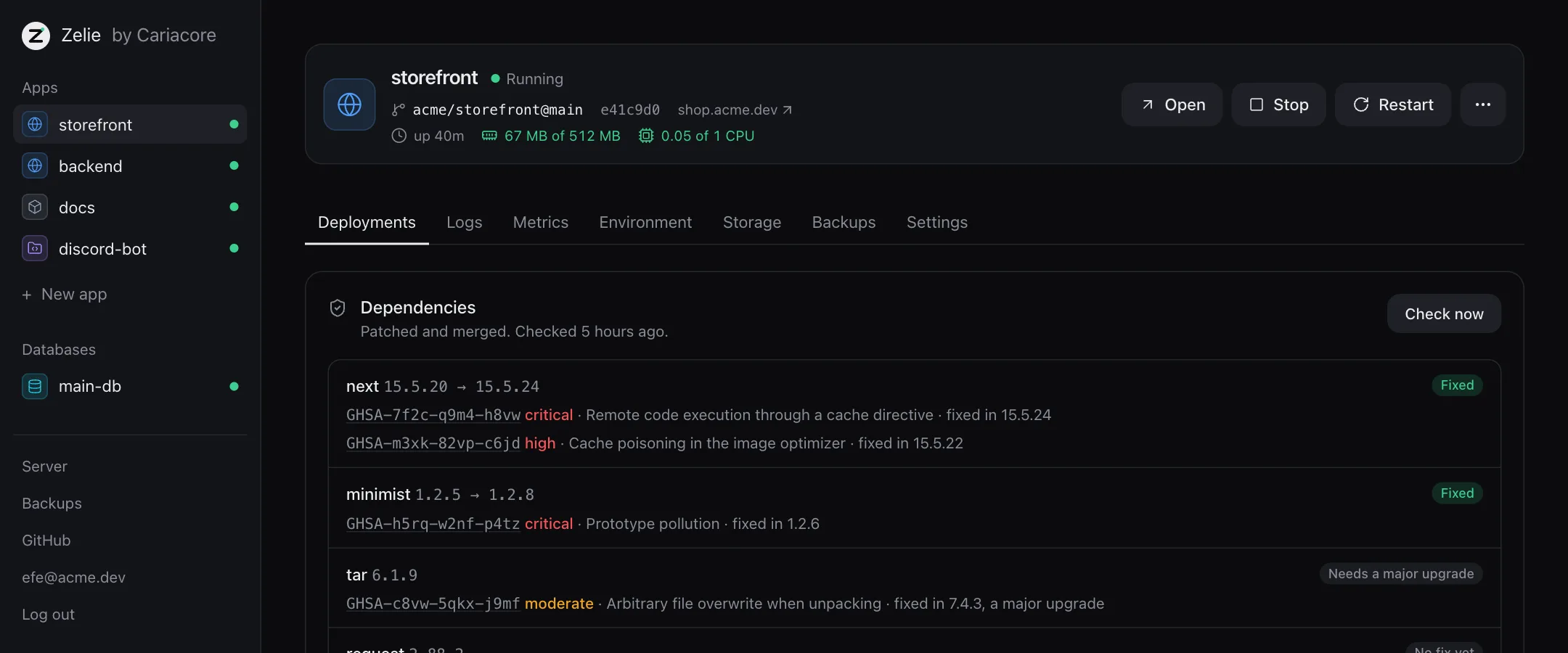
- At 04:30 server time, Zelie rebuilds for Node security releases and tests fixes for vulnerable packages on a separate branch before merging.
- No open port needed
- Each bot runs in an isolated container and user namespace with memory and CPU limits, opening only its outbound connection to Discord.
- Encrypted backups to S3
- Bot state, linked databases and panel settings are encrypted on the server and copied to any S3-compatible bucket.
Beside your community’s game servers and site
A Discord bot often belongs to a Minecraft or Rust server and a community site. Zelie’s own processes stay under 66 MB of idle memory (~120 MB with containerd), leaving a small VPS free for the bot, its database and the game server itself — all under one login. See how Zelie compares to Coolify, Pterodactyl and Pelican on the comparison page.
Questions
Which languages work for a Discord bot in Zelie?
Node.js (discord.js), Python (discord.py, Pycord), Bun, Deno, Go and Java work without writing a Dockerfile: either pushed from GitHub (built with Railpack) or uploaded as plain files over SFTP. Any other runtime works with a Dockerfile.
Will deploying a new commit run two copies of my bot at once?
No. When an app has no domain attached, Zelie stops the running container before starting the new one, so two gateway sessions never overlap. If the new container fails to start, the previous one is started again.
Does a Discord bot need a domain or an open firewall port?
No. Leave the domain empty when creating the app. The bot connects outbound to Discord from its own isolated container with no public port exposed on the VPS.
How do I get Zelie?
Zelie Free is open to everyone and includes up to 3 apps, 3 databases and 3 game servers on your own Linux VPS. Make an account and follow the steps on Install Zelie.
Install Zelie
Zelie is in early development, and Free is open to everyone: make an account and install it on a server of your own. Pro and Business follow: Pro for your own server too, Business for those who sell hosting.