Announcement2026-09-295 min
0050 · Meet Zelie
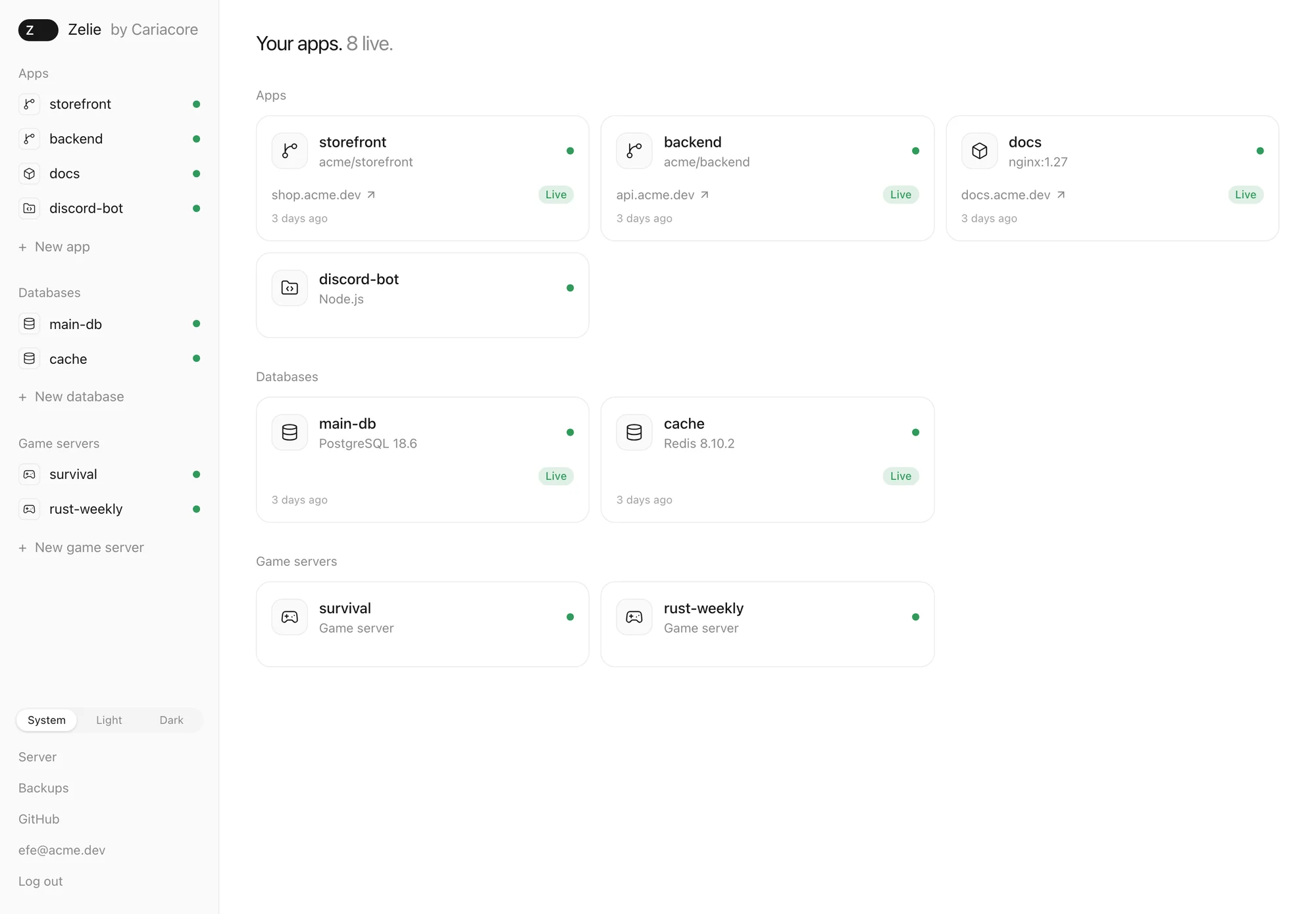
Zelie is a panel for your own server. You install it with one command, and it runs your websites, APIs, databases and game servers side by side, each in its own locked-down container. It is the first thing Caria Core makes that is not a game.
Why another panel
If you run both websites and game servers on one machine today, you probably run two panels: Pterodactyl or Pelican for the games, Coolify or cPanel for the sites. Each brings its own stack with it, a web server, PHP, a database server, workers in the background. Each has to be updated, backed up and kept safe, and neither knows the other is there.
I run both kinds myself, and I wanted one panel that was lighter, safer and cleaner than either. The brief was four words long and has not changed since the first day: very light, very secure, very clean, modern.
Zelie is a single file of about 50 MB. There is no PHP, no separate web server and no database server to look after. It is open source under the AGPL, and everything on a single server is free, with no limits. Managing several servers from one panel will be part of a paid edition later.
What it does today
This is version 0.7.1.
Apps. From GitHub, where every push goes live; from a Docker image; or from your own files, run with Node.js, Python, Bun, Deno or Java. A new version starts next to the old one and takes over the traffic only once it answers. If the build or the tests fail, the old one keeps serving. Going back to any of the last five versions takes a second or two. Every app gets a domain and HTTPS.
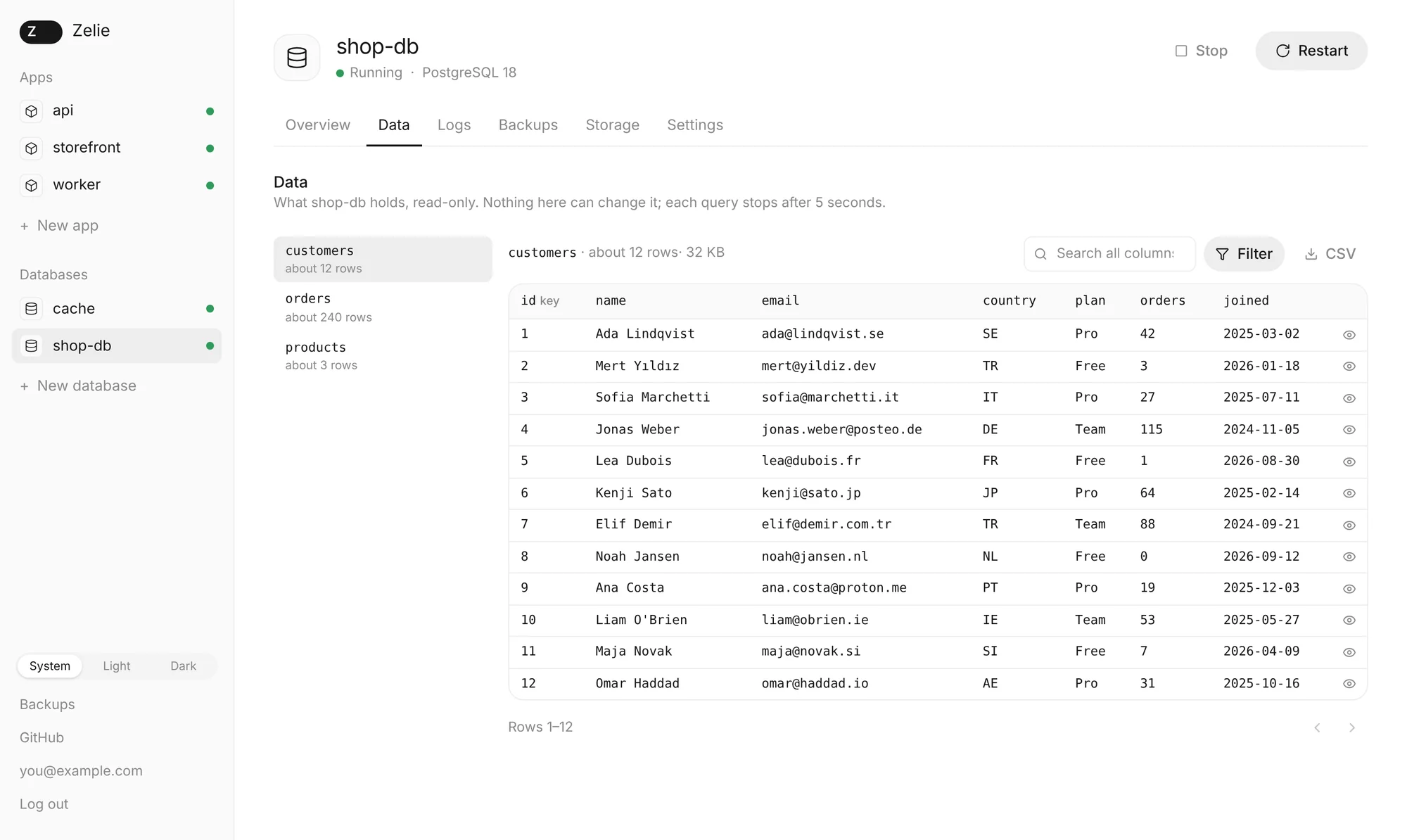
Databases. PostgreSQL, MariaDB and Redis, with no port open to the internet. Link one to an app and the app gets its DATABASE_URL. You can look through the tables in the panel, read-only. A major version upgrade takes a backup first, and goes back to the old version if something breaks.
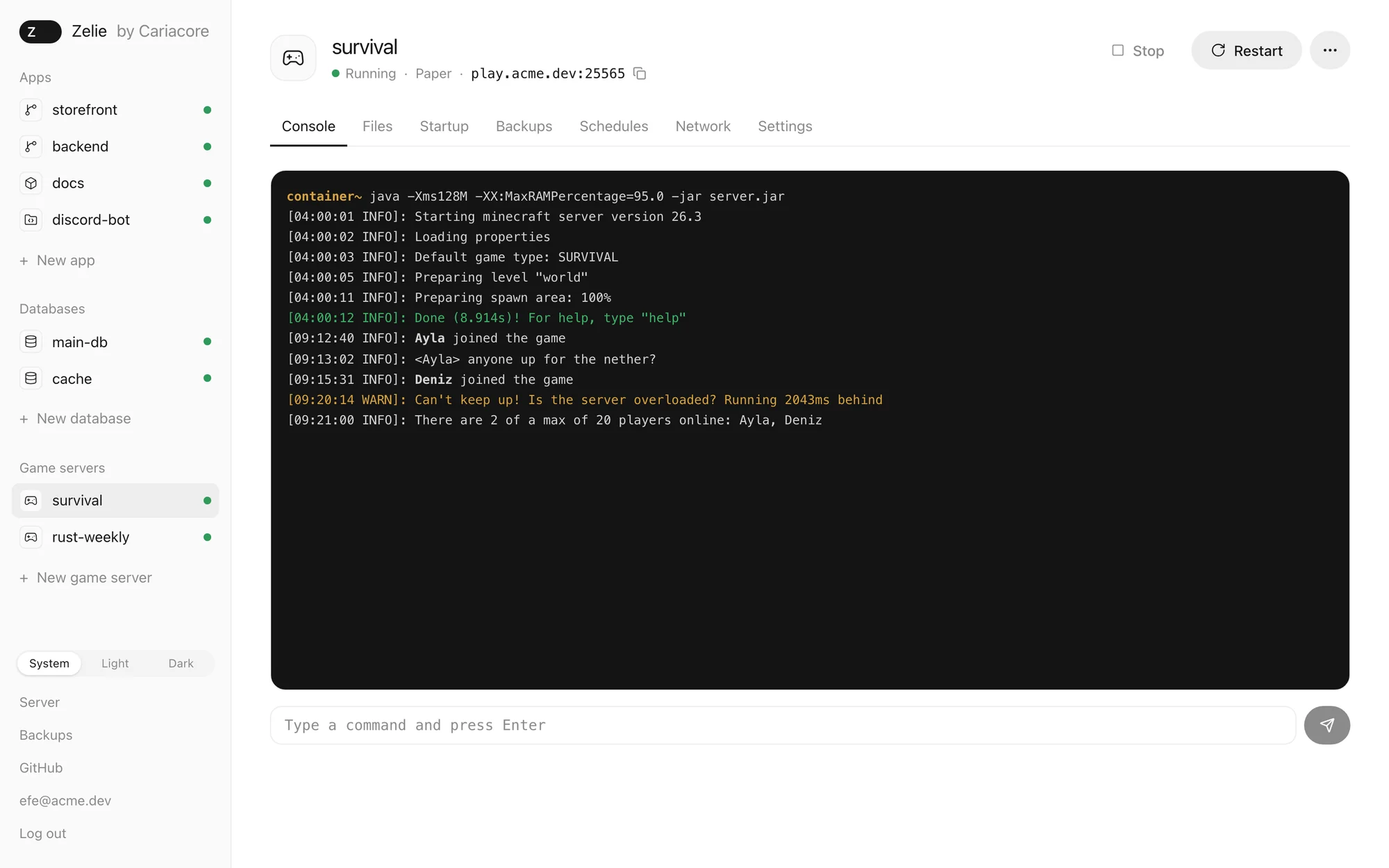
Game servers. From Pterodactyl and Pelican eggs: Minecraft, Rust and Palworld from the list, or any egg by its link. You get:
- a live console, and a file manager whose editor colours code by language;
- SFTP with an SSH key or a password made for that one server (your account password never works over SFTP);
- schedules, backups, and a port pool where you pick the port for each use: game, query, RCON, Rust+;
- for Steam games, Zelie keeps track of updates.
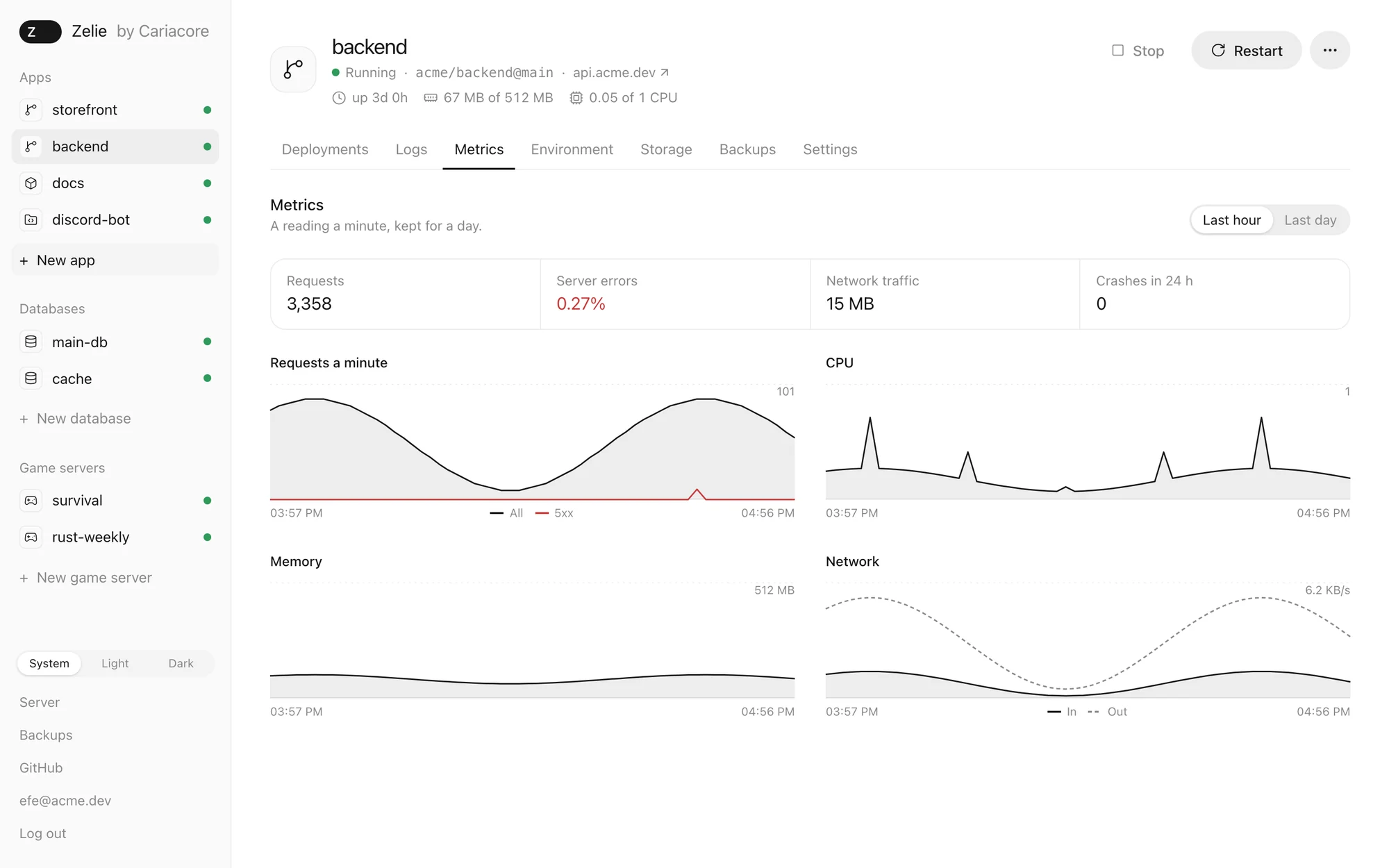
Around all of them. Backups are encrypted on the server and can be copied to any S3-compatible storage. Every app and game server has its own metrics: CPU, memory, network, requests and crashes.
Secure before anything else
A panel holds the keys to everything on the machine, so this part came first:
- every administrator needs a passkey or an authenticator app;
- secrets are sealed the moment you save them, and the interface cannot read them back;
- releases are signed. Updating is one click, and if the new version does not come up, the old one comes back by itself.
Installing asks one real question: how the panel should be reached. With your own domain and a Let's Encrypt certificate; through a Cloudflare Tunnel, where no port is opened at all; or on the server's IP address, which is only meant for trying it out.
It runs on itself
zelie.cariacore.com runs on a Zelie server. The same machine also runs Pelican and live game servers, and Zelie works next to them without touching them. That is the kind of server it is built for: one that already has a life of its own.
Every change is also tried on a real install. CI installs the previous release, updates it to the new one, starts a real Minecraft server, sends a command through its console and uploads a file over SFTP.
Where it stands
Zelie is in alpha. It runs real sites and real game servers, but it changes quickly, so it is early for anything important, and you should keep your own backups.
A few things I have not been able to test properly yet:
- getting a certificate from the real Let's Encrypt. The Cloudflare Tunnel path does run on a real server;
- Rust and the Steam update check, which have so far only run in tests, not with real players.
Several servers and sub-users are not there yet either.
Coming next
A few smaller things are close:
- more games, each going through the same automated checks, with RCON and admin passwords filled in with strong random values instead of left empty;
- a players tab: who is online, and kick or ban in one click;
- a plugin and mod browser, and a wipe scheduler for Rust;
- Discord and email alerts;
- one-click templates for apps such as WordPress, Ghost and Uptime Kuma.
There is a lot more after that, and I will share the full roadmap soon.
Try it
One command on a Debian or Ubuntu server:
curl -fsSL https://github.com/Caria-Core/zelie/releases/latest/download/install.sh | shThe code is on GitHub at github.com/Caria-Core/zelie, and Zelie's own site is zelie.cariacore.com.